
Utilities
IP Trackers
See the route your packets really take, on a map
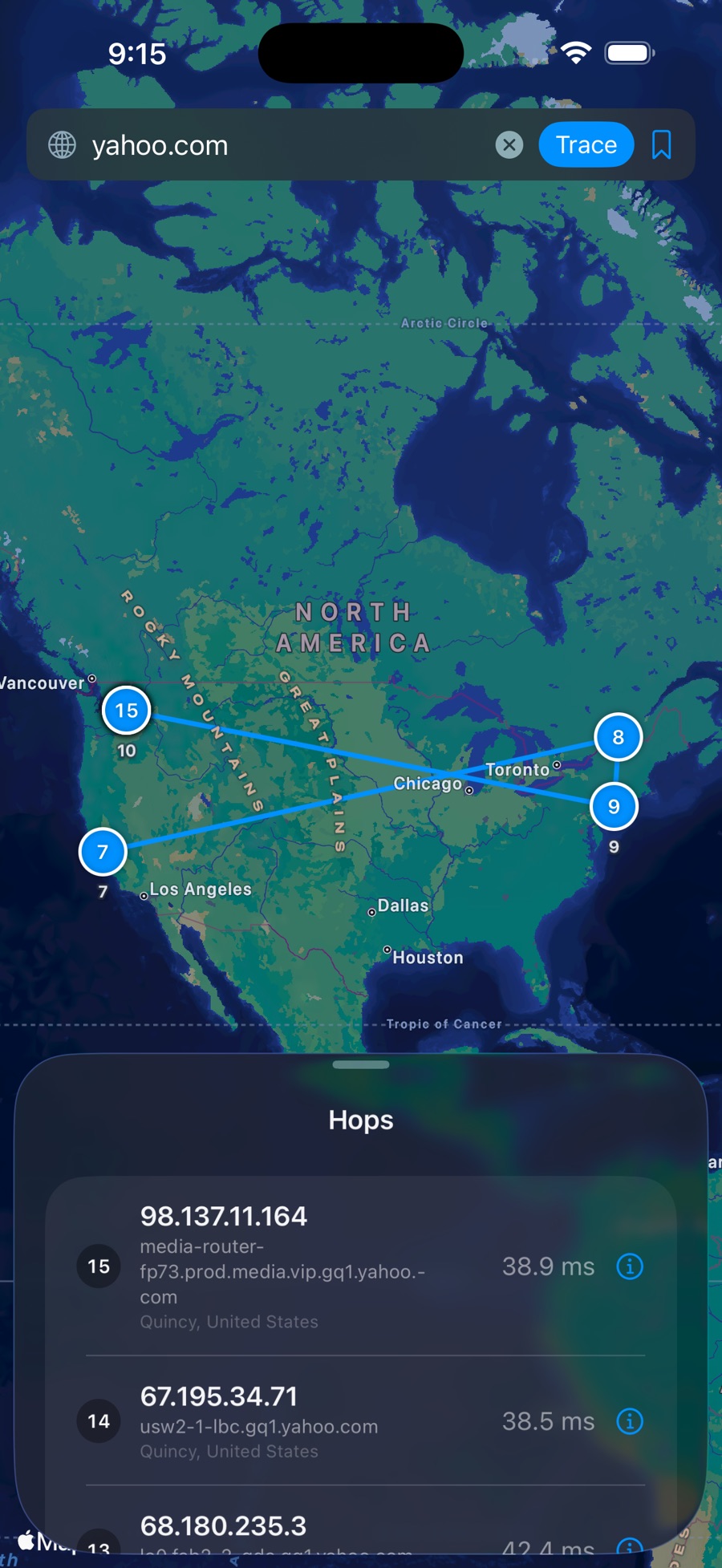
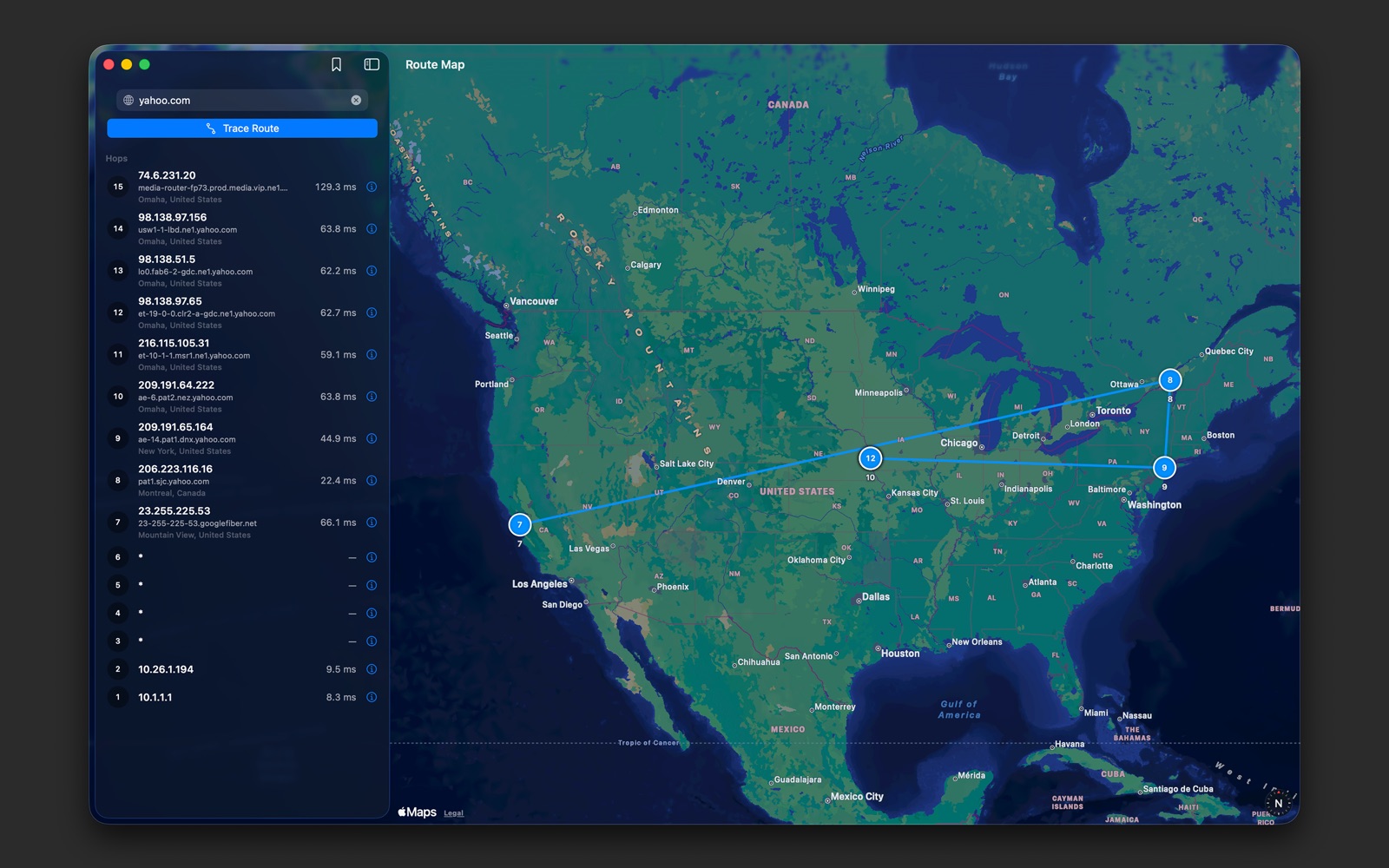
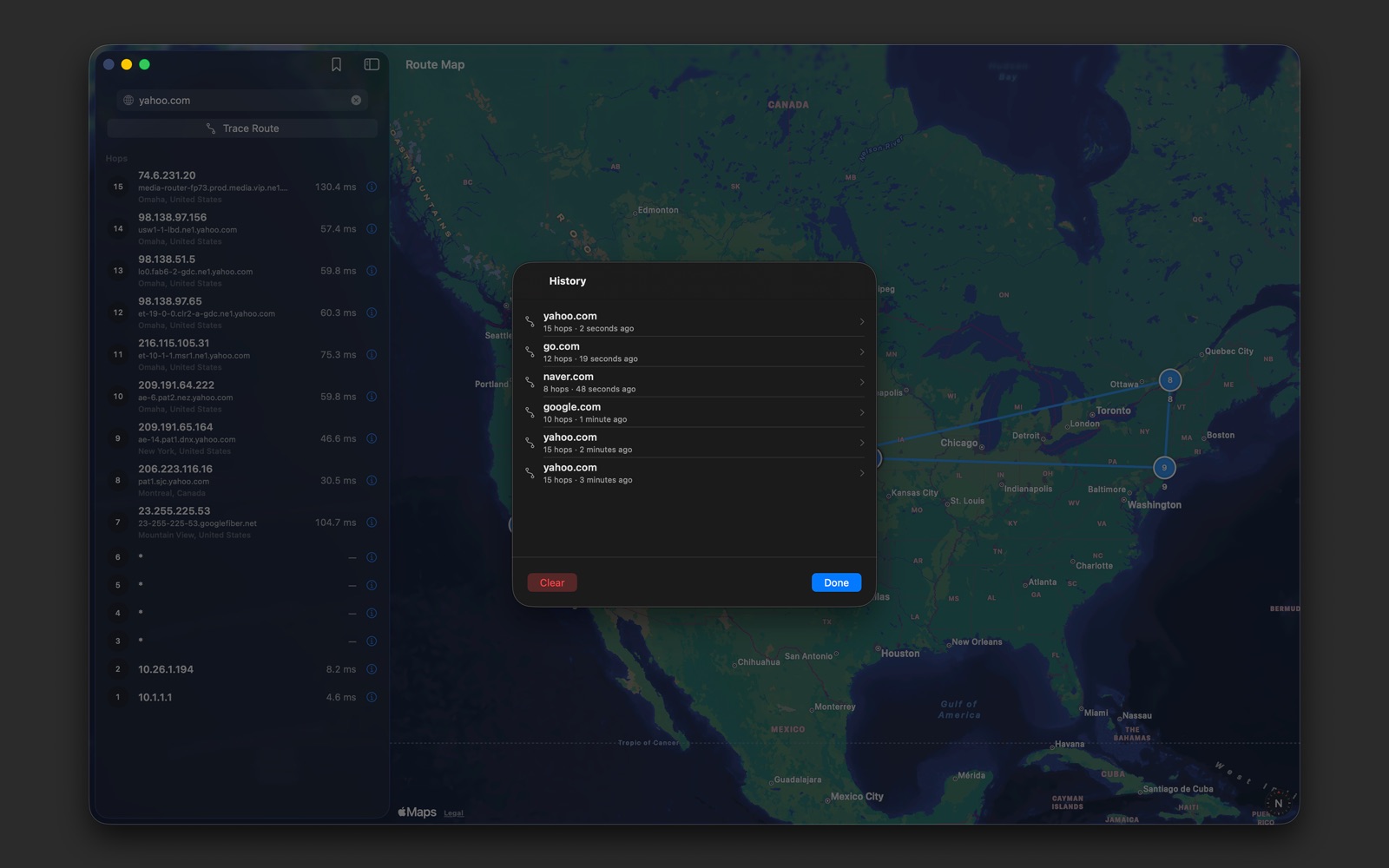
Enter a host or IP address and run a trace: each hop appears in turn and the whole route is drawn on a world map. Everything runs on your device, with no account or sign-up.
iPhoneiPadMacPaid

Every hopDrawn on a world map
ICMP + TCPTraces that finish
WHOISFor each public hop
0Trackers or analytics
Features
Key features
Everything IP Trackers can do for you.
Trace any host
- Fast ICMP traceroute by host name or IP address
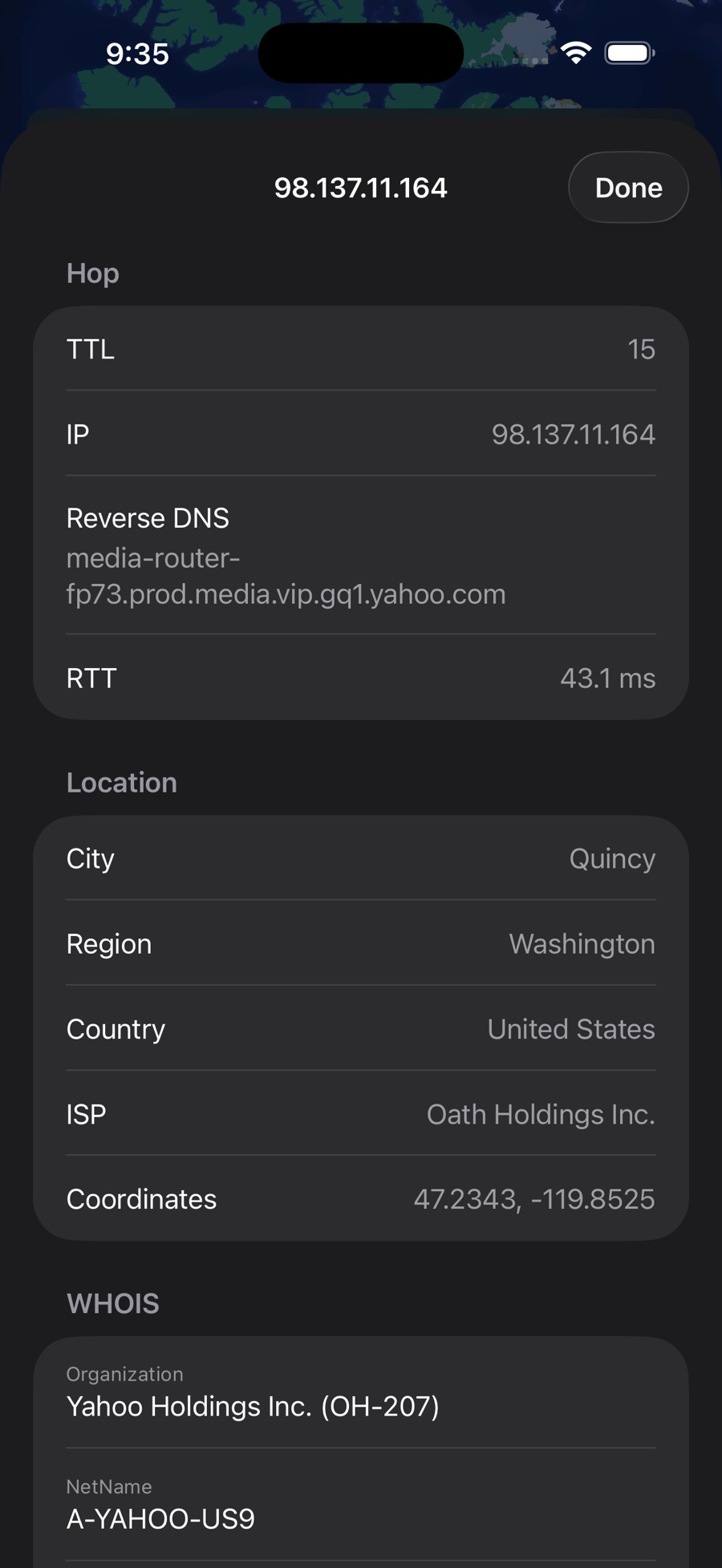
- Round-trip time, reverse DNS and IP for every hop
- TCP fallback completes traces to hosts that block ICMP
The route on a map
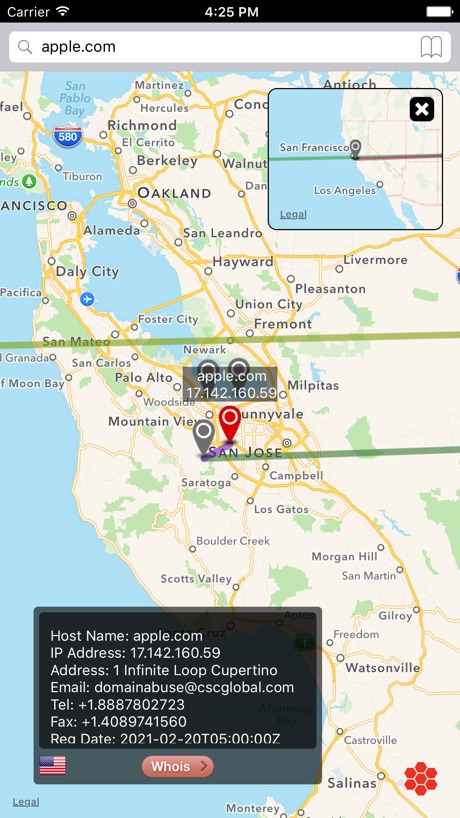
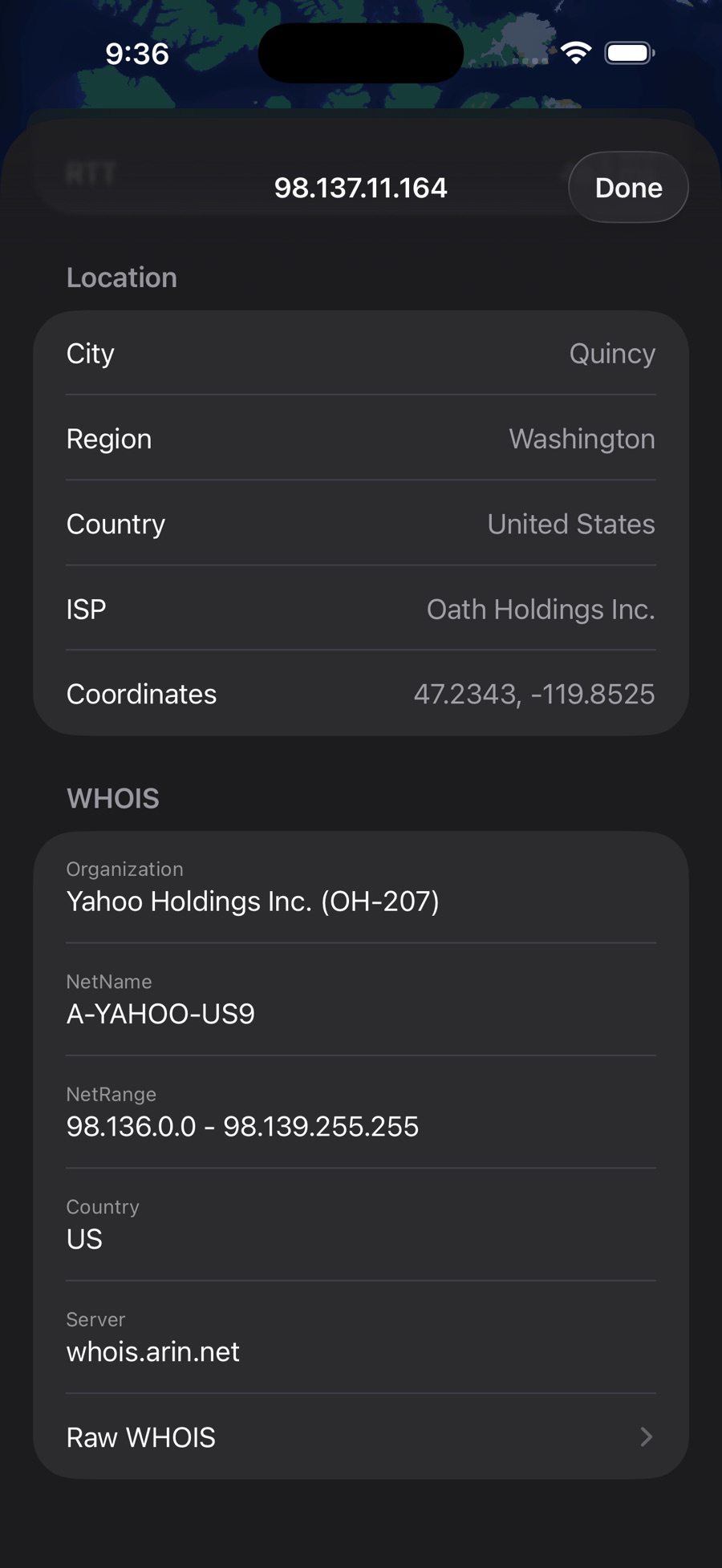
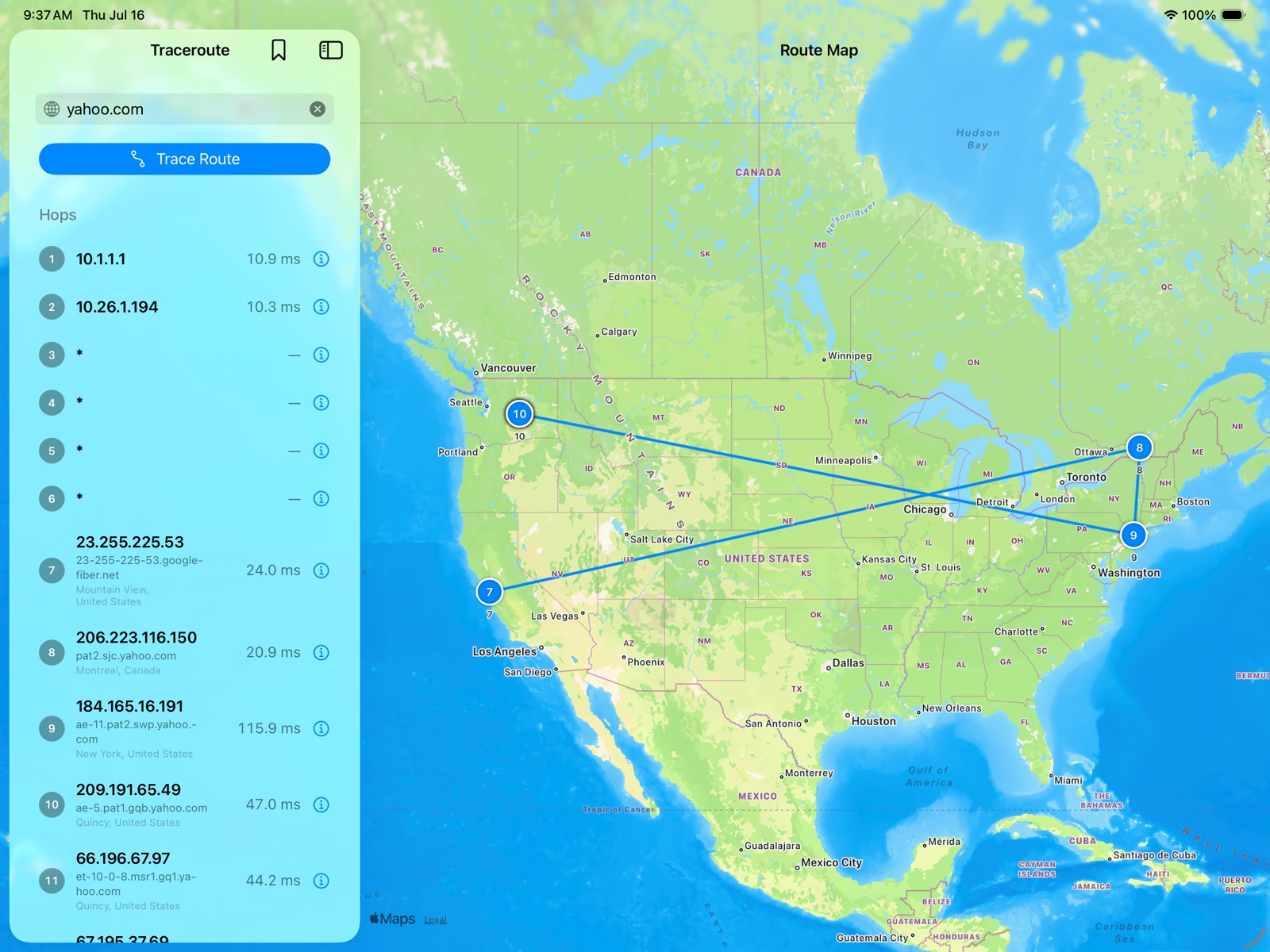
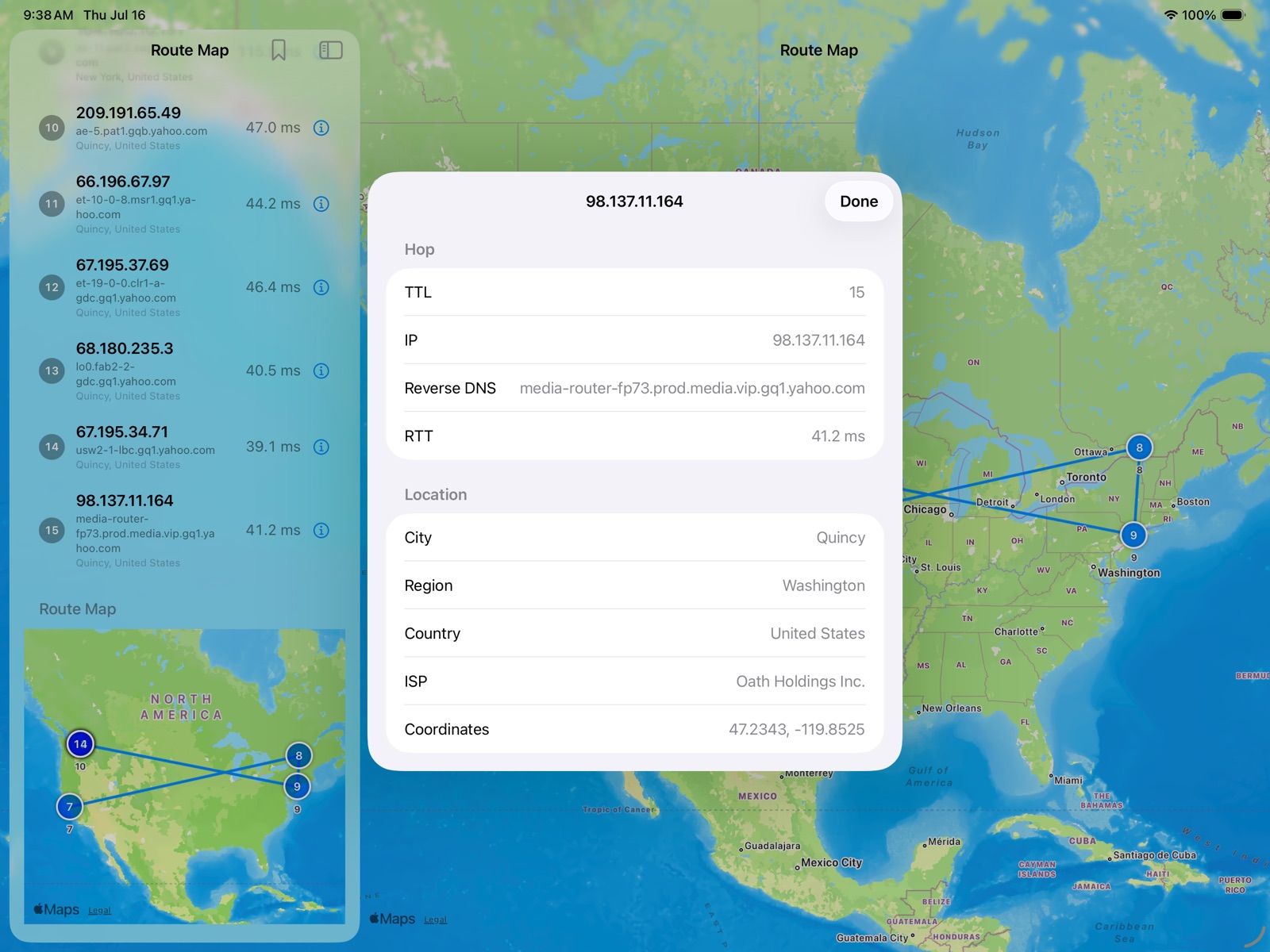
- City, region, country and ISP of public hops on a world map
- Lines between hops show the path your traffic takes
- Select a hop in the list to highlight it on the map
Hop details
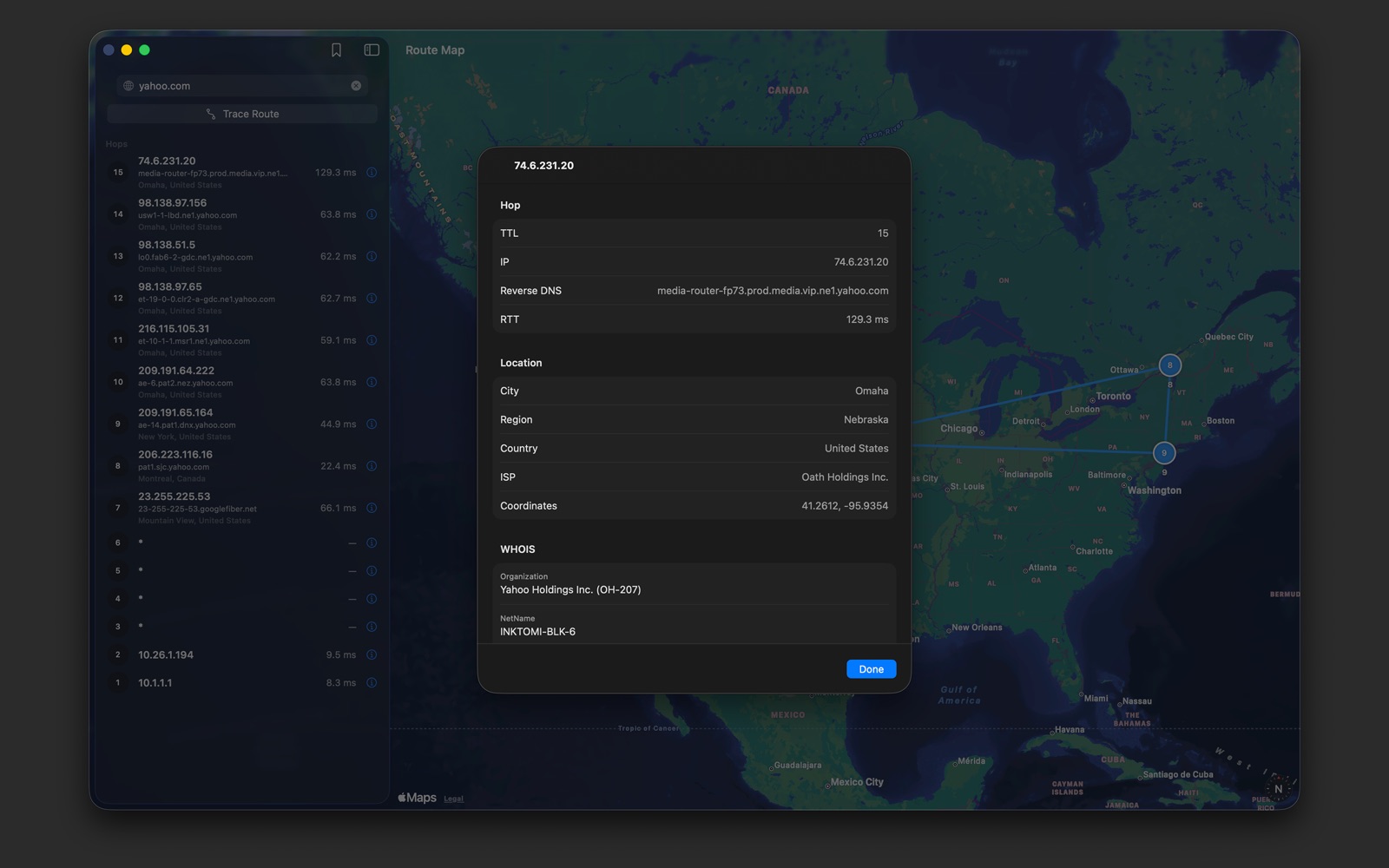
- TTL, IP, reverse DNS, round-trip time, location
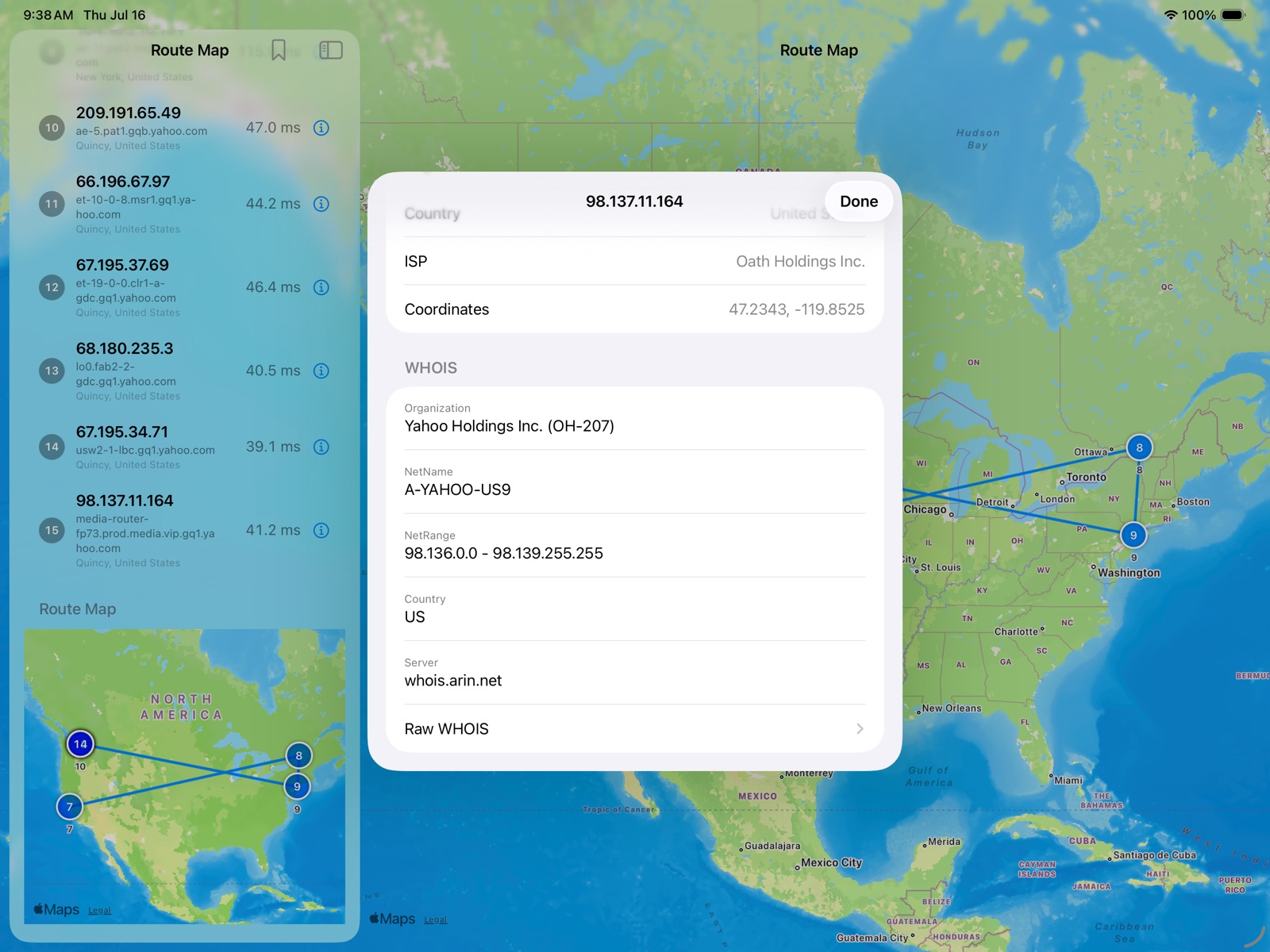
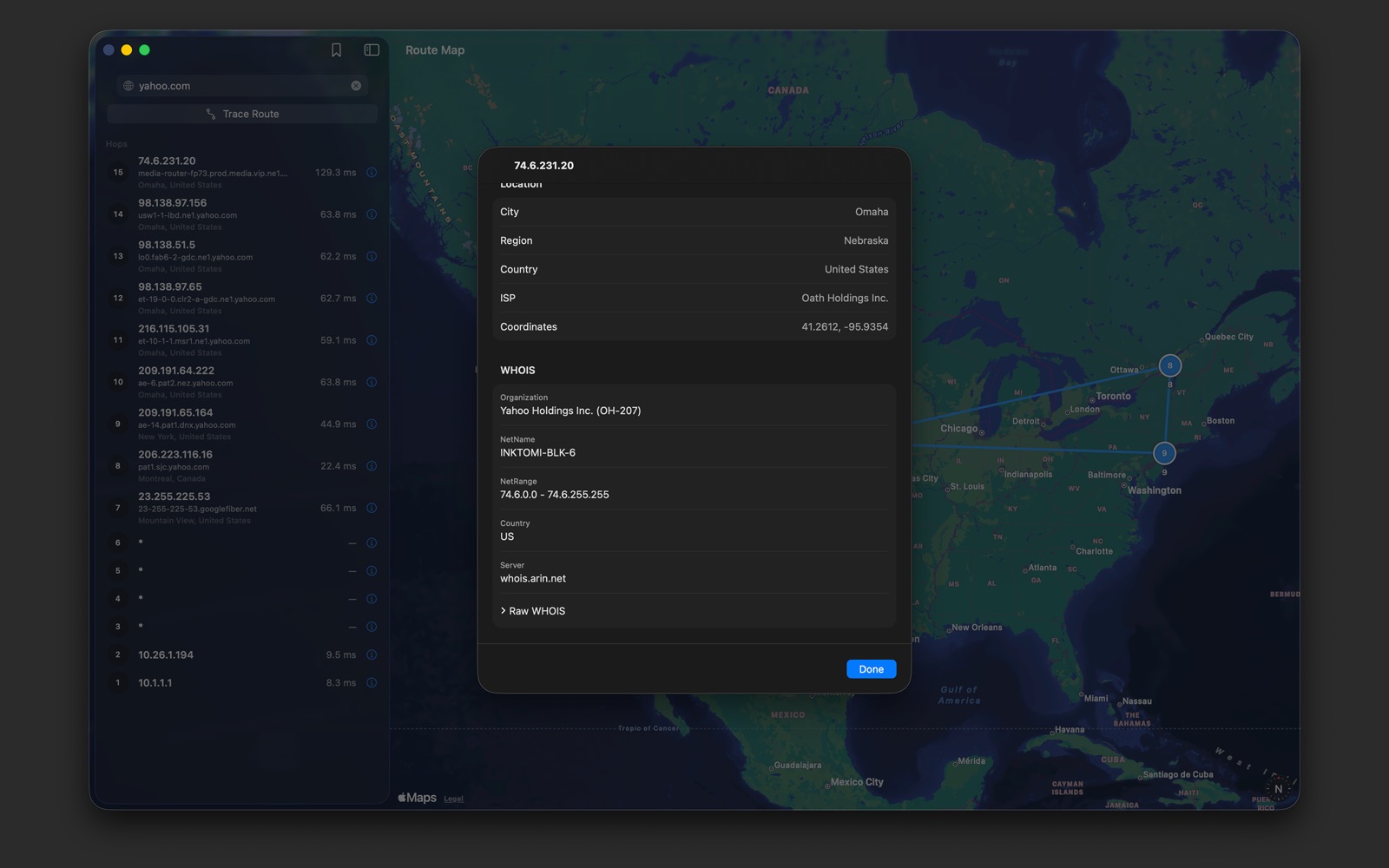
- WHOIS: organization, network name and range, country
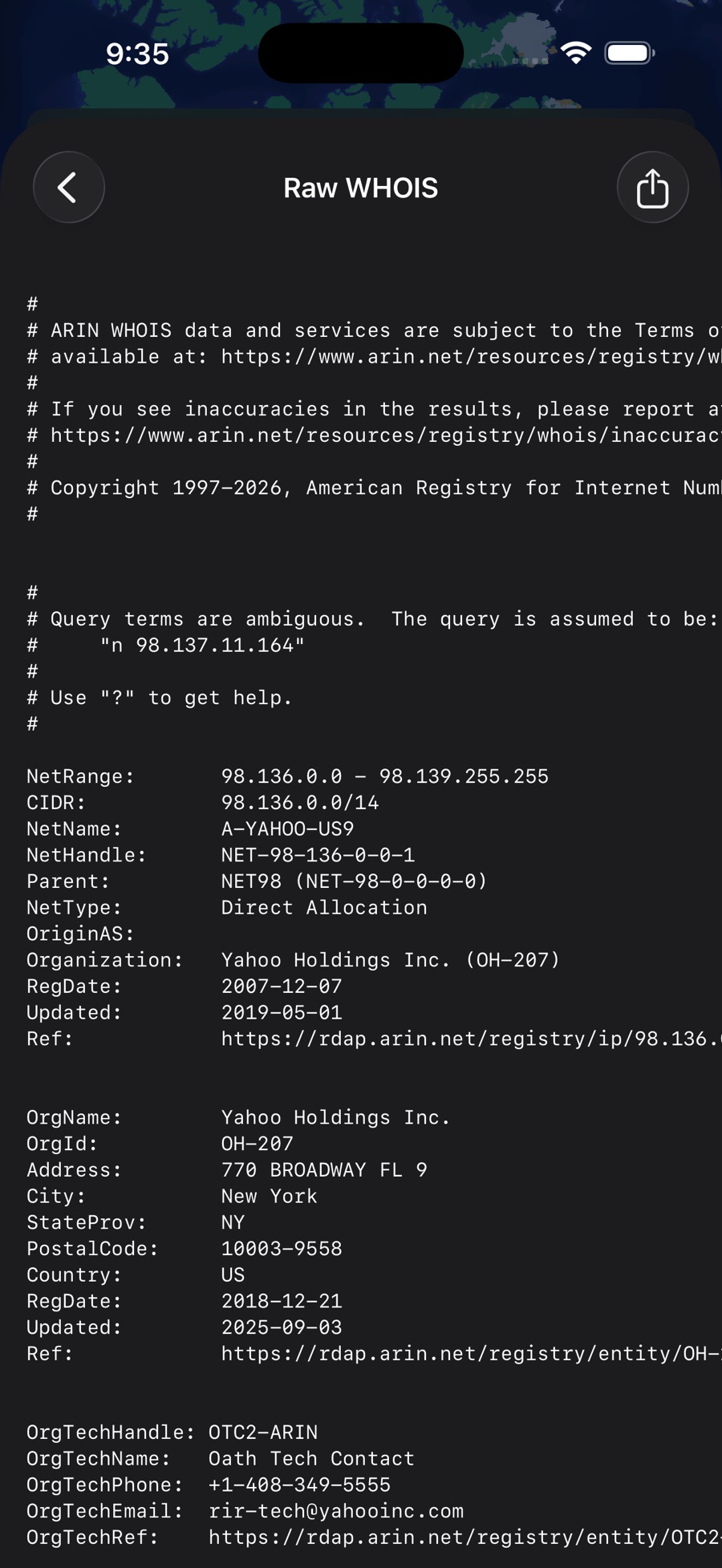
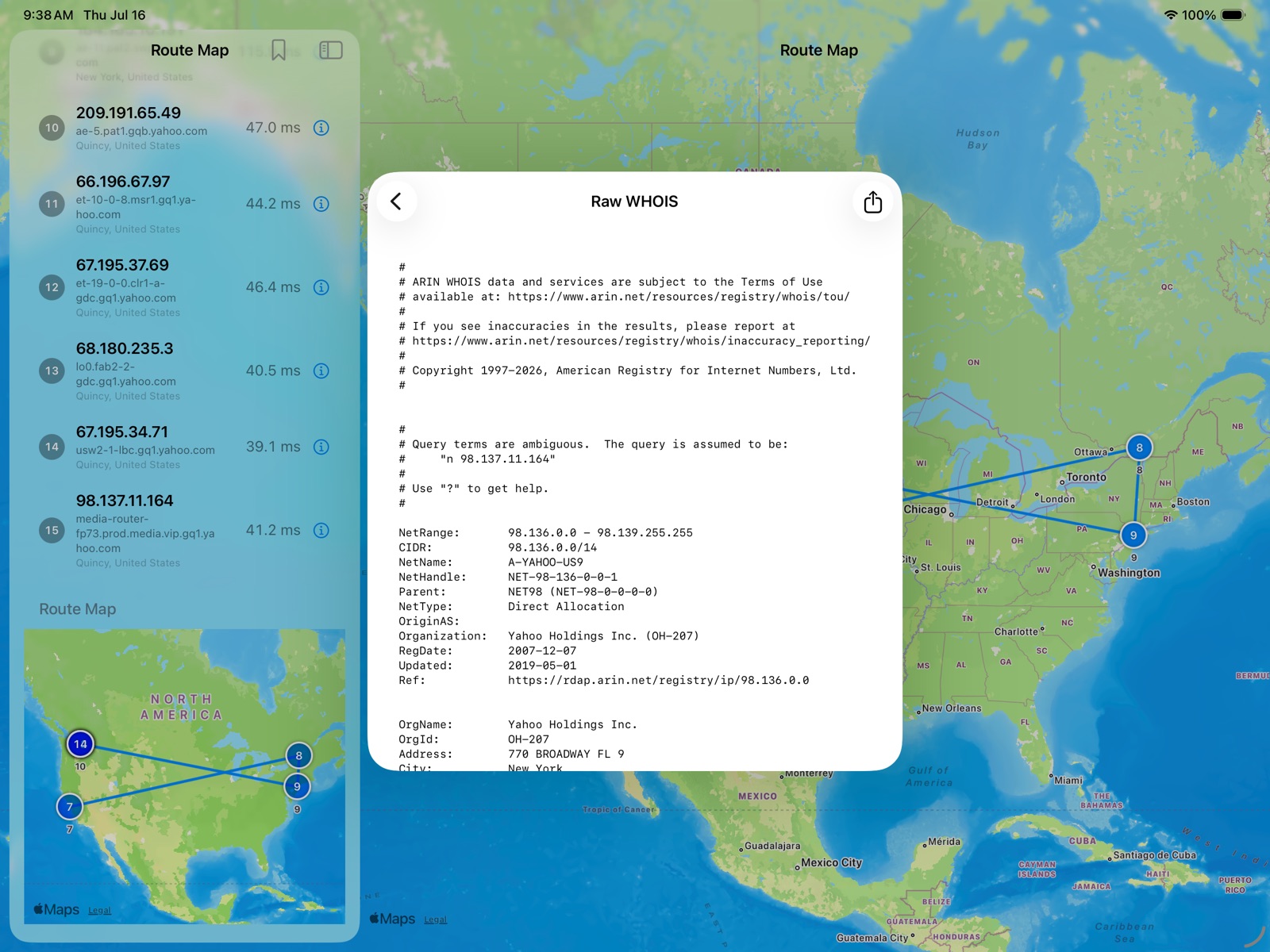
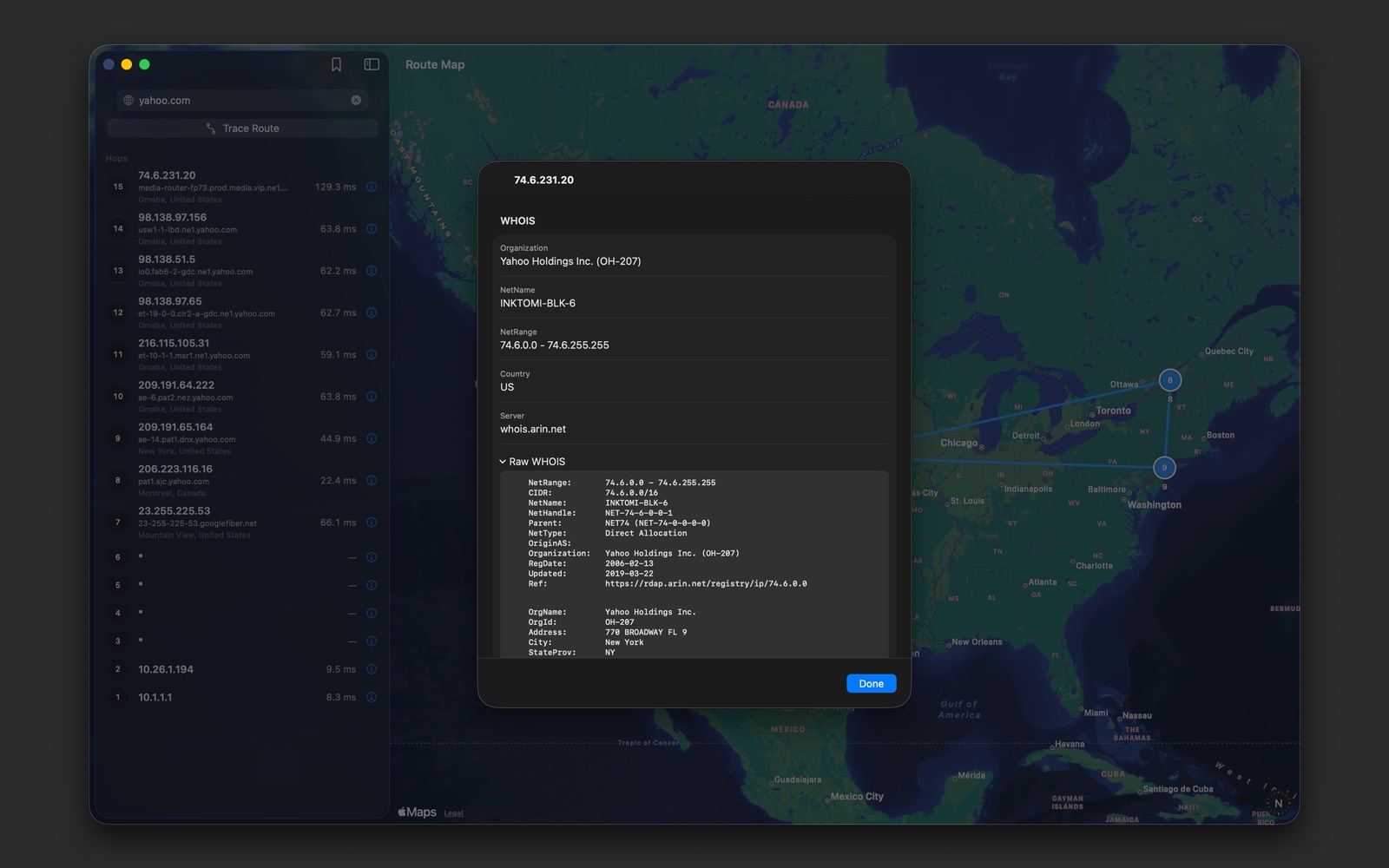
- Full raw WHOIS text, ready to share
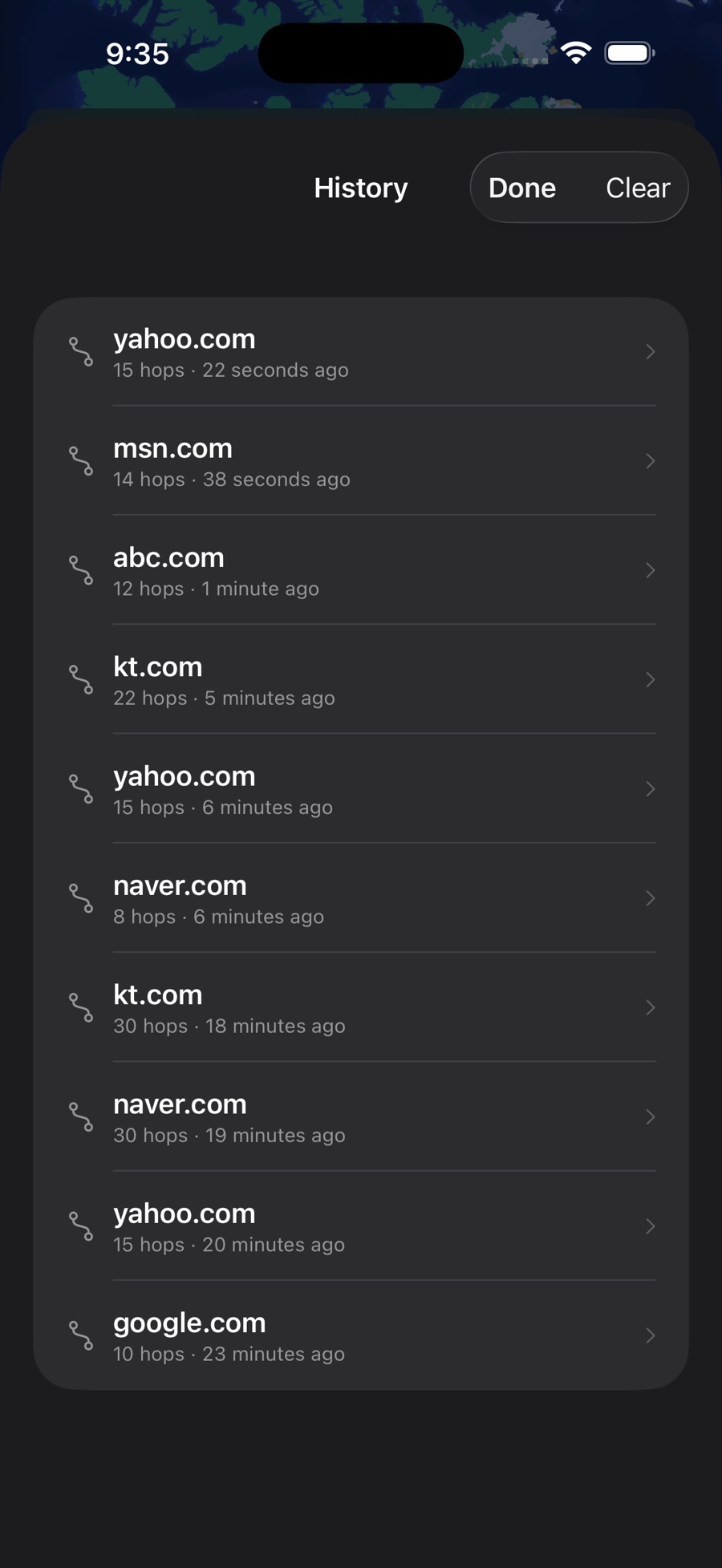
Trace history
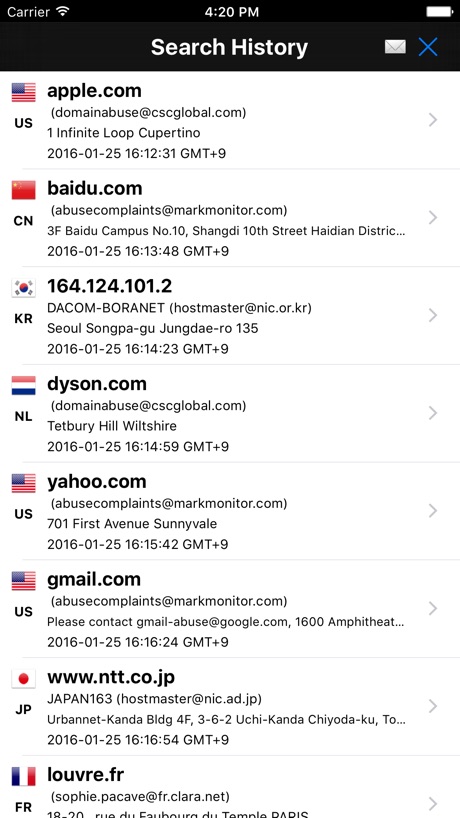
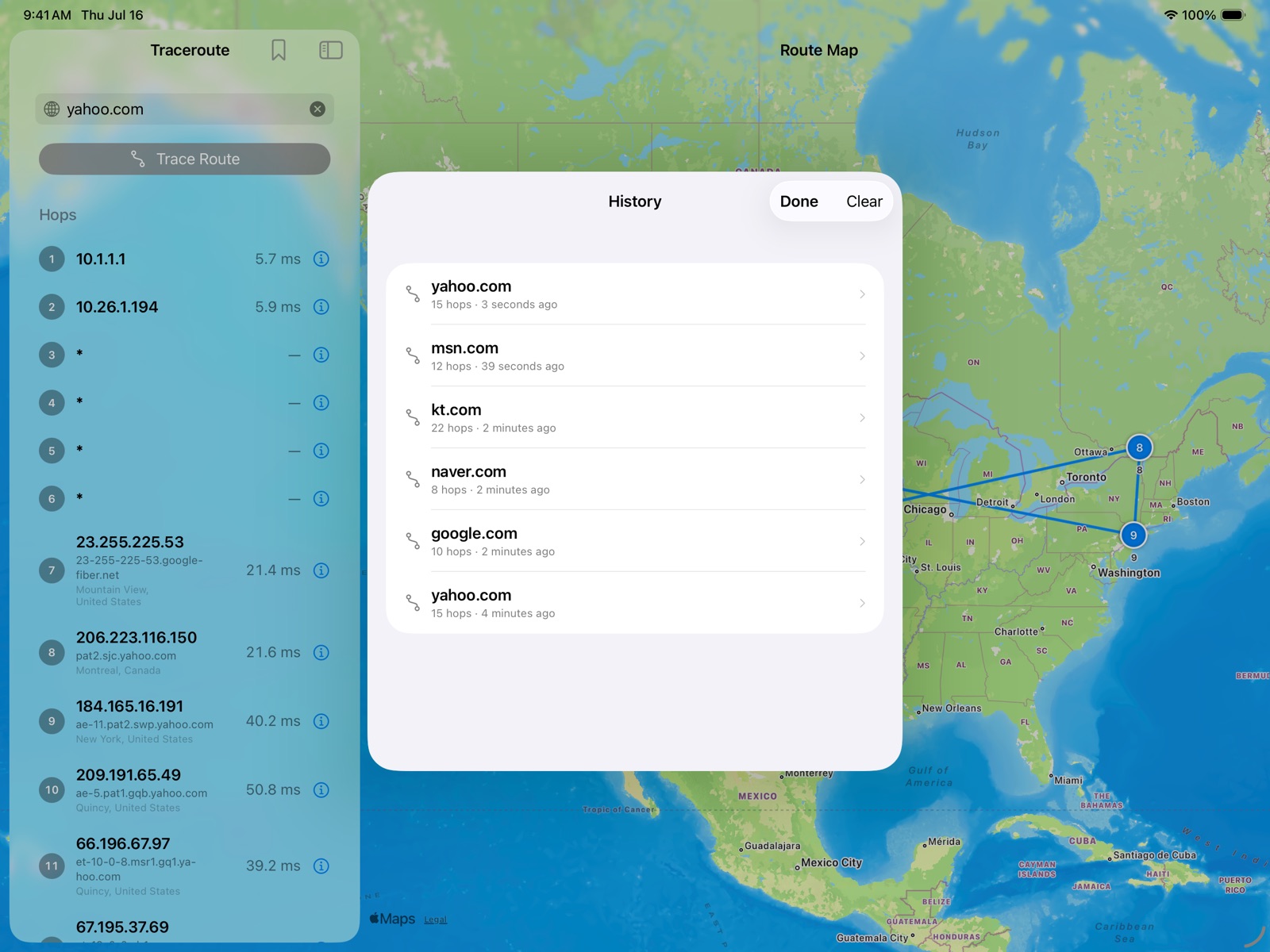
- Finished traces are saved automatically
- Reopen past traces instantly, without tracing again
Built for every device
- iPhone: full-screen map with a draggable hop list
- iPad and Mac: hop list and map side by side
Privacy
- No analytics, tracking or third-party SDKs
- Nothing about you is collected or stored
Screenshots
Take a look inside
Click a screenshot to enlarge it, then use the arrows to browse.
iPhone5 screenshots
iPad5 screenshots
Mac5 screenshots
Made for
- Engineers troubleshooting slow or broken connections
- Anyone curious where their traffic really goes
- Students learning how the internet routes packets
App info
PricePaid
PlatformsiPhone · iPad · Mac
RequiresiOS / iPadOS 17.0 or later
CategoryUtilities
Age rating4+
DeveloperAribada, Inc.
First released2012
More apps