
Utilities
PosKVM
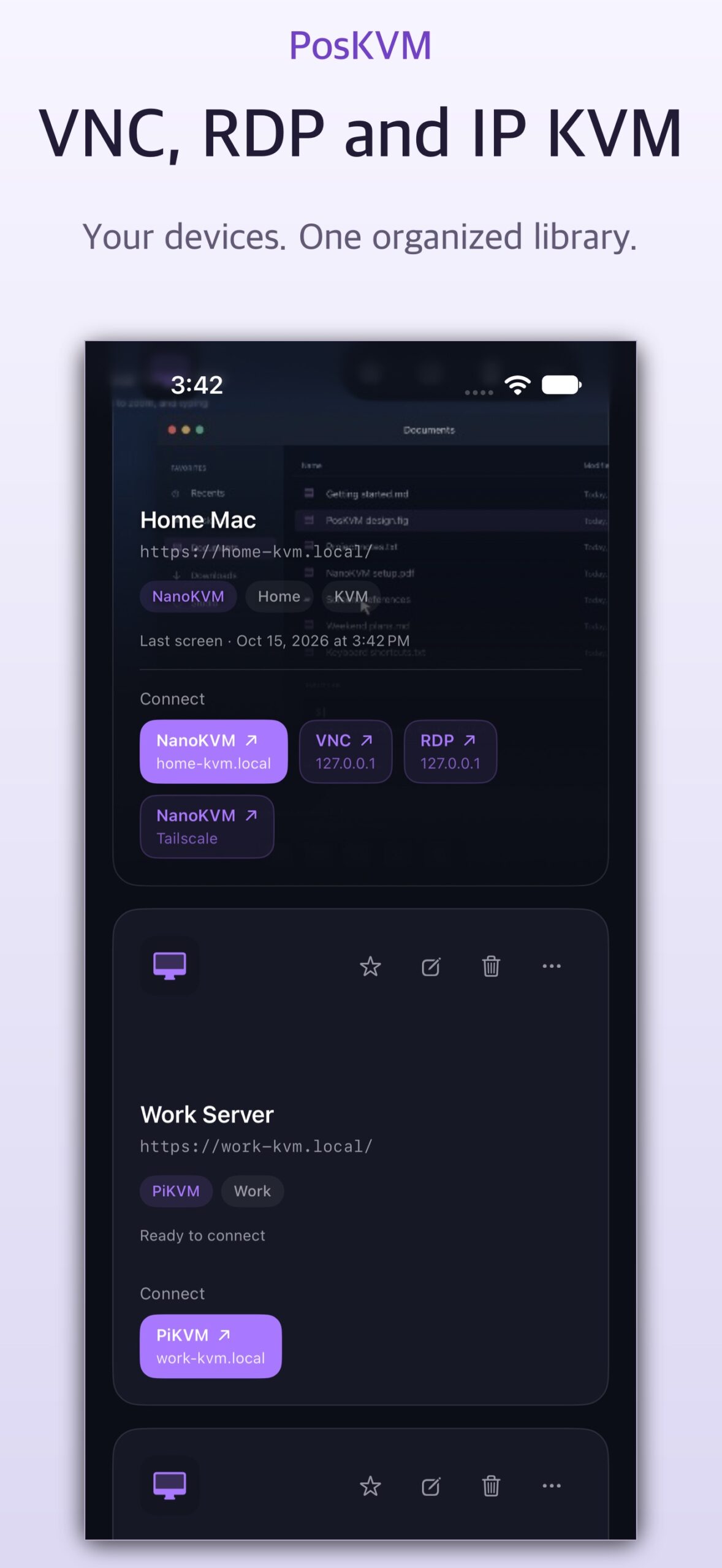
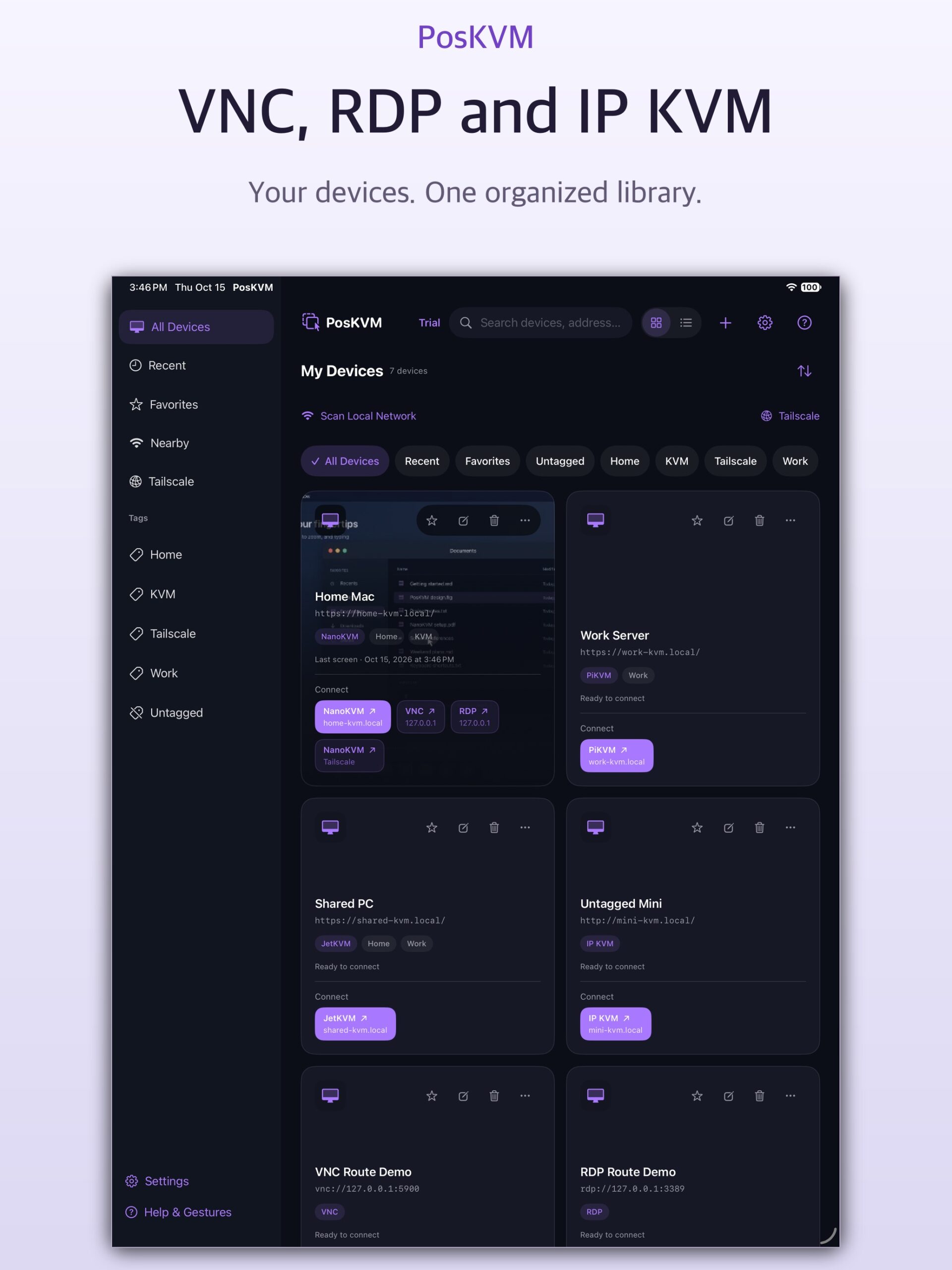
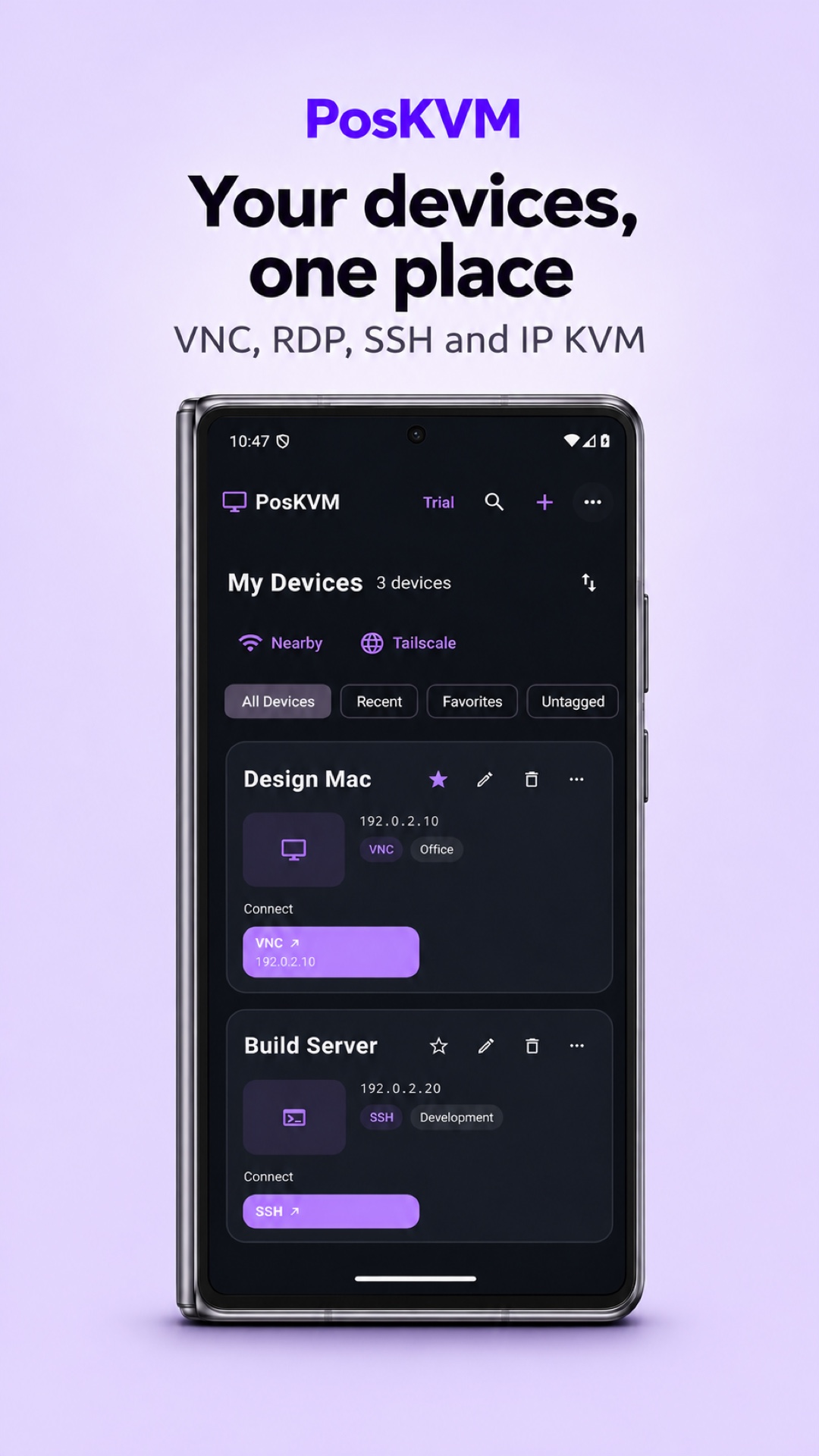
Your computers and IP KVM devices, together in one place
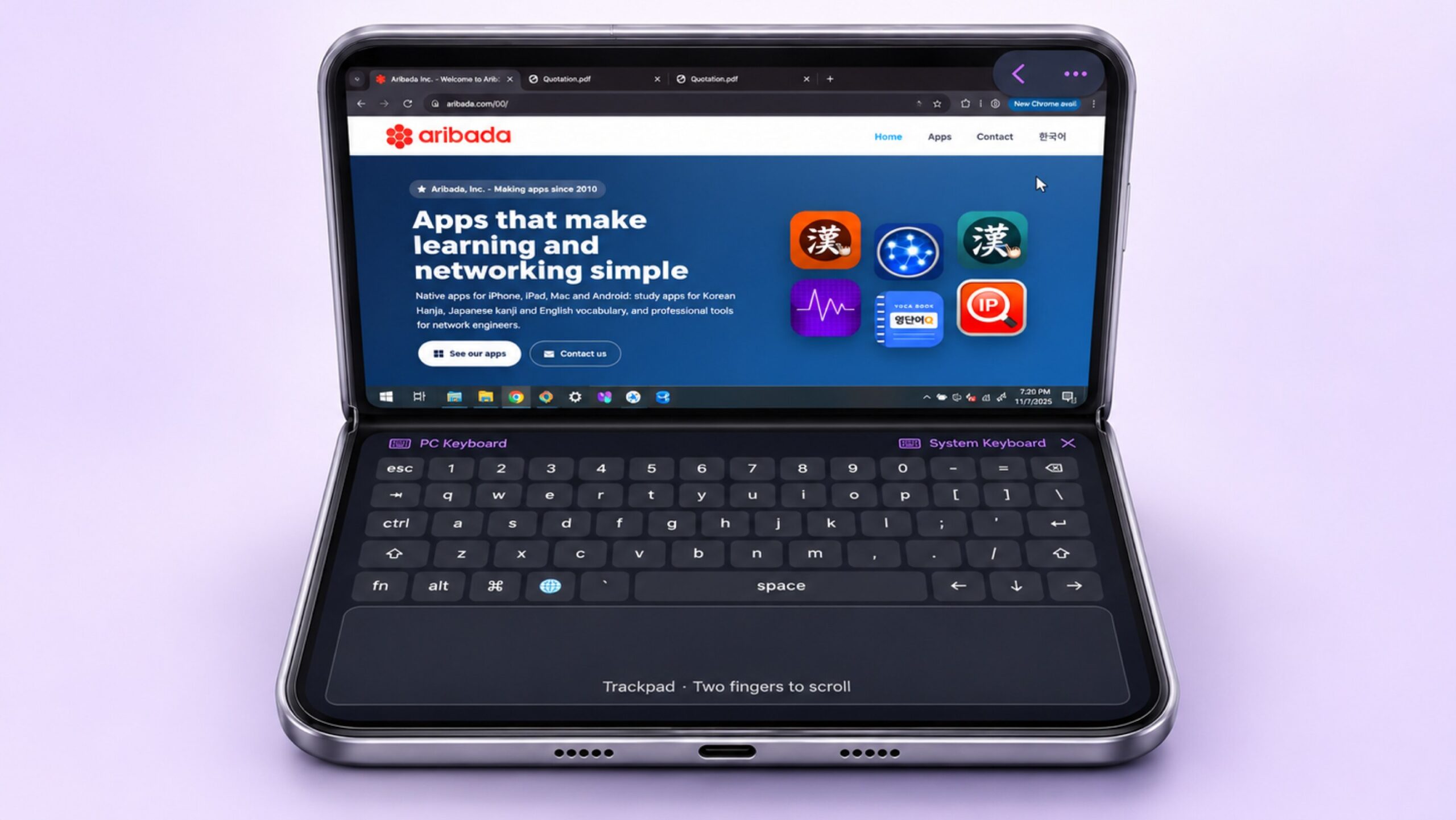
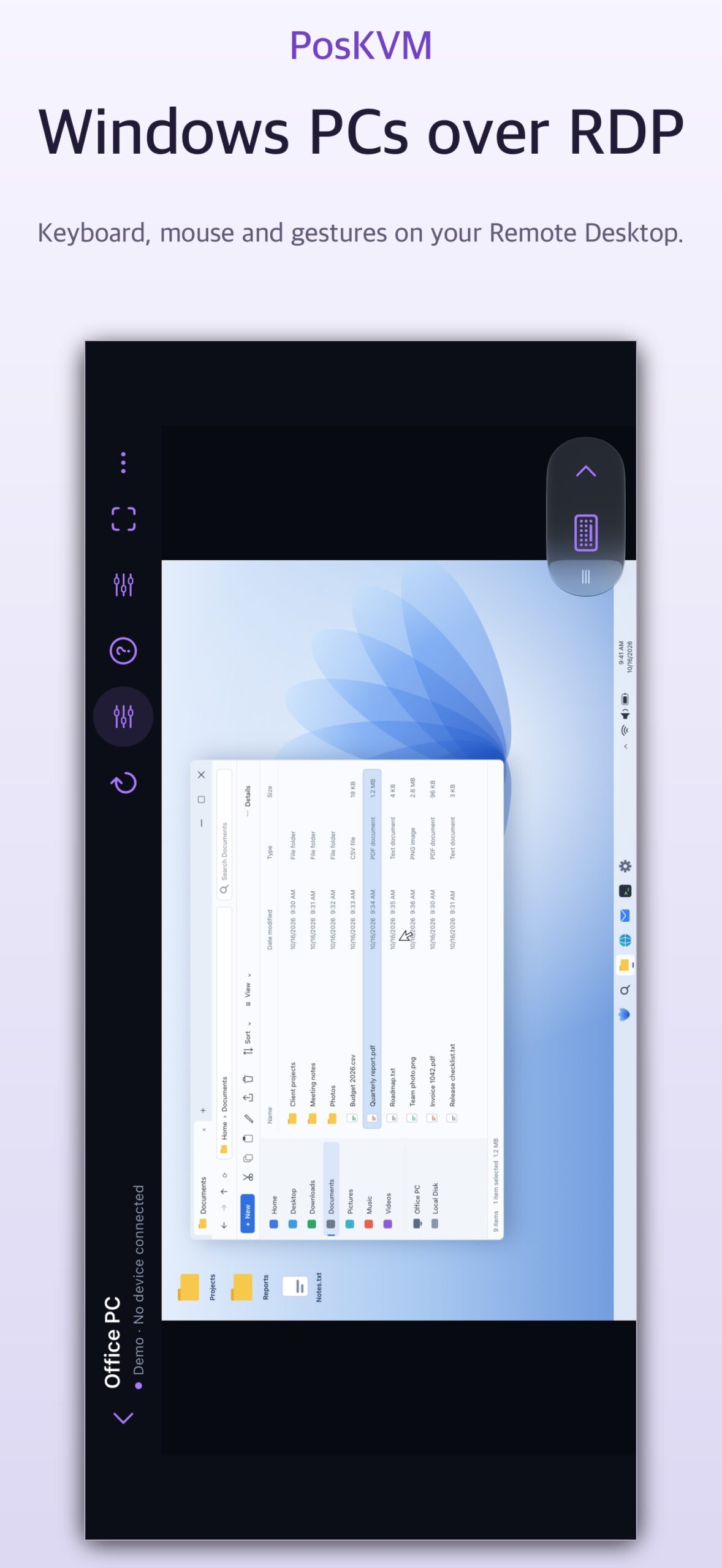
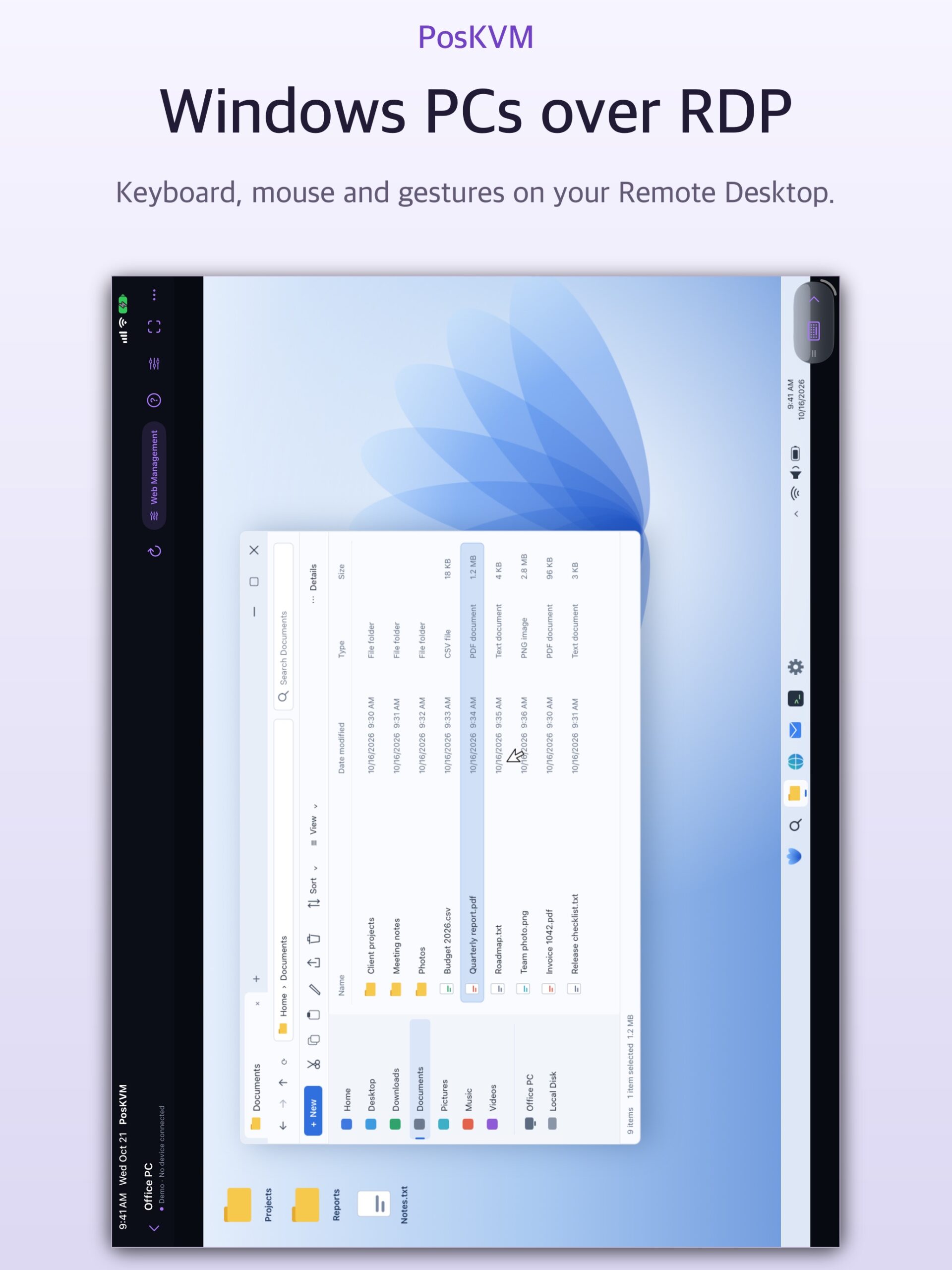
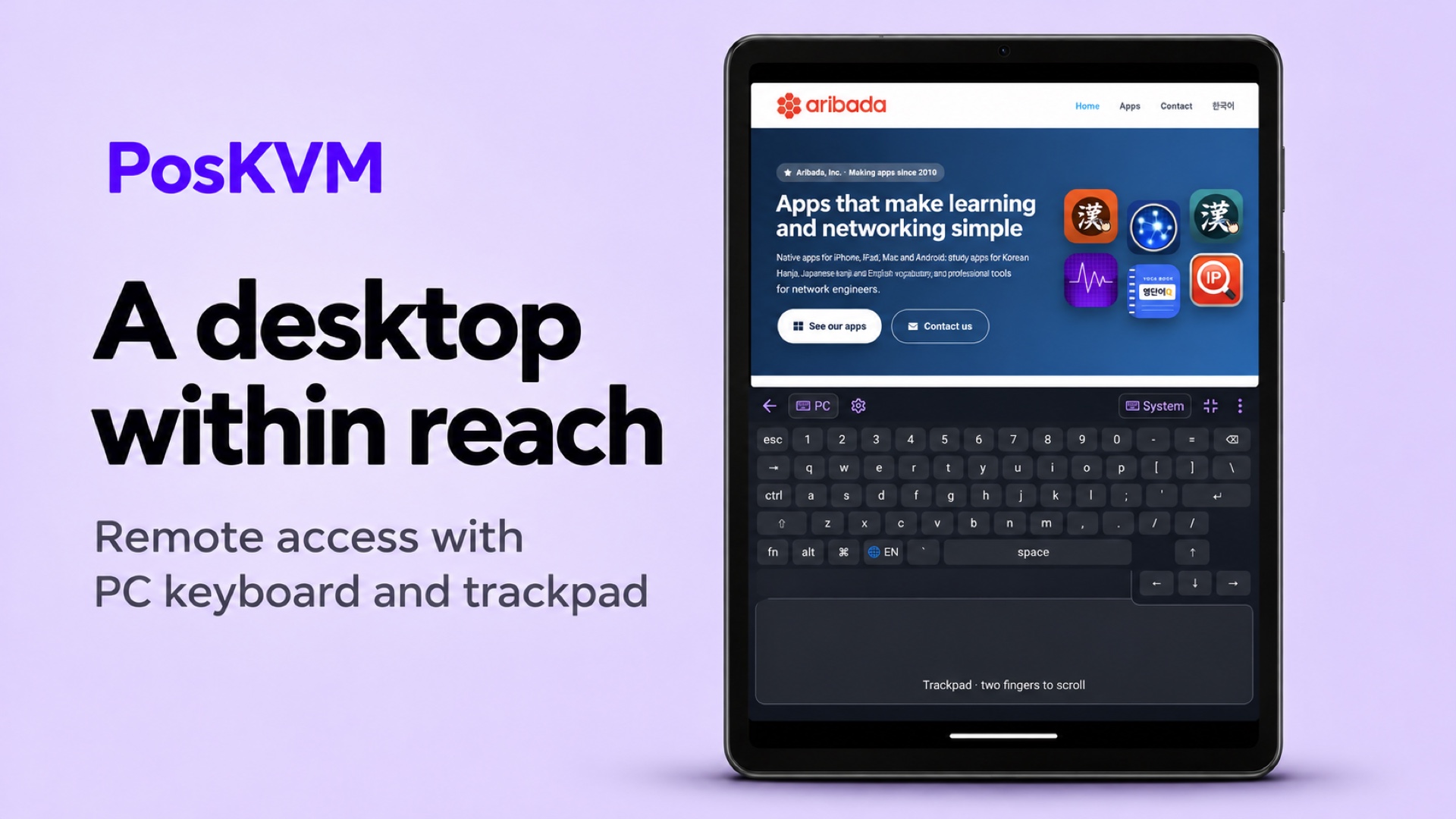
Connect to VNC servers, Windows Remote Desktop (RDP), SSH hosts and supported IP KVM devices from your iPhone, iPad, Mac and Android device, and move files over SFTP. On foldable phones, including iPhone Duo and supported Android foldables, Laptop layout puts the remote screen on top and a PC keyboard and trackpad below.
iPhoneiPadMacAndroidFree · Pro available
3Ways to connect: VNC, RDP, SSH
NanoKVMIP KVM support
14 daysNo connection time limits
FoldableLaptop layout with PC keyboard and trackpad
Features
Key features
Everything PosKVM can do for you.
Connect your way
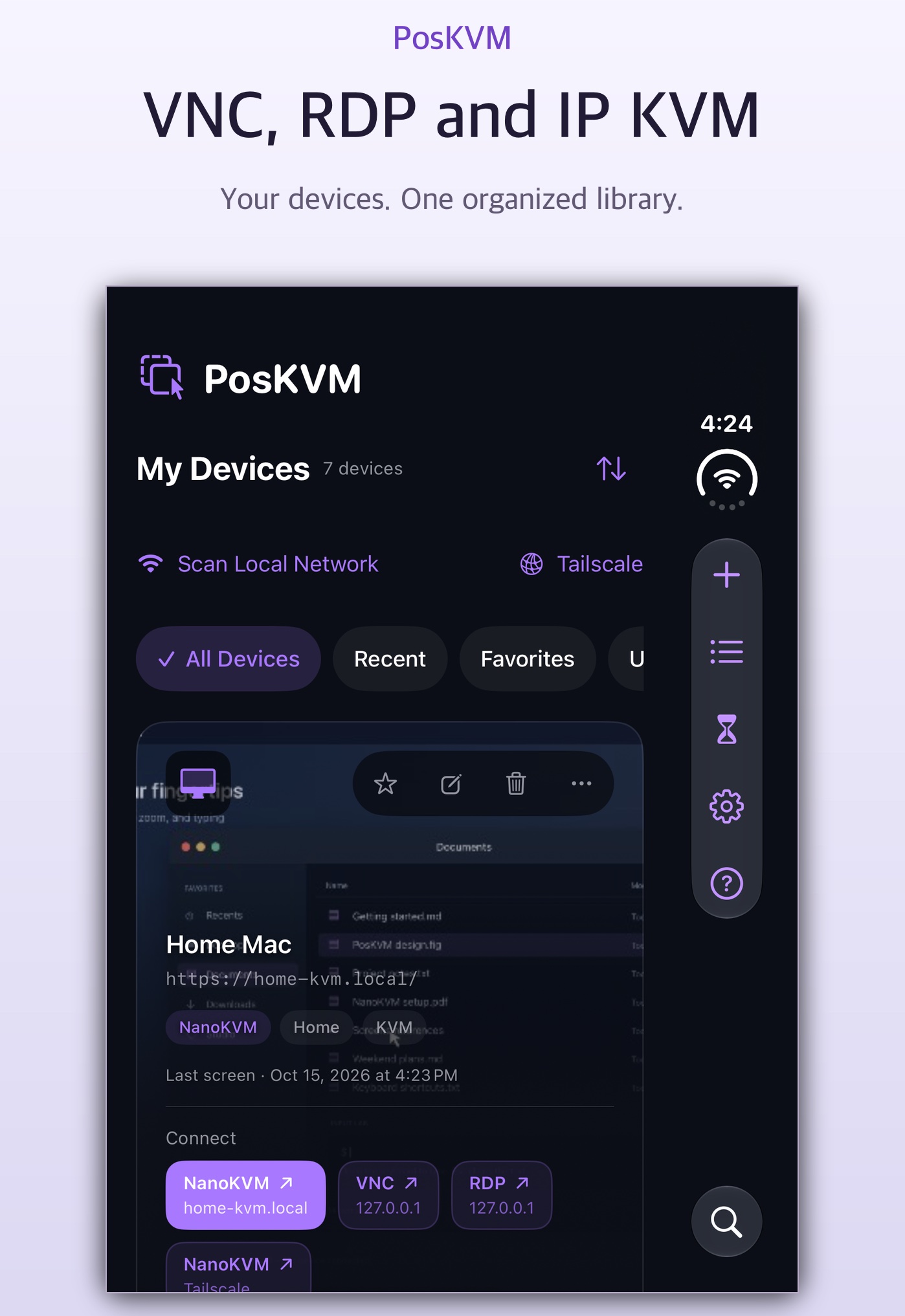
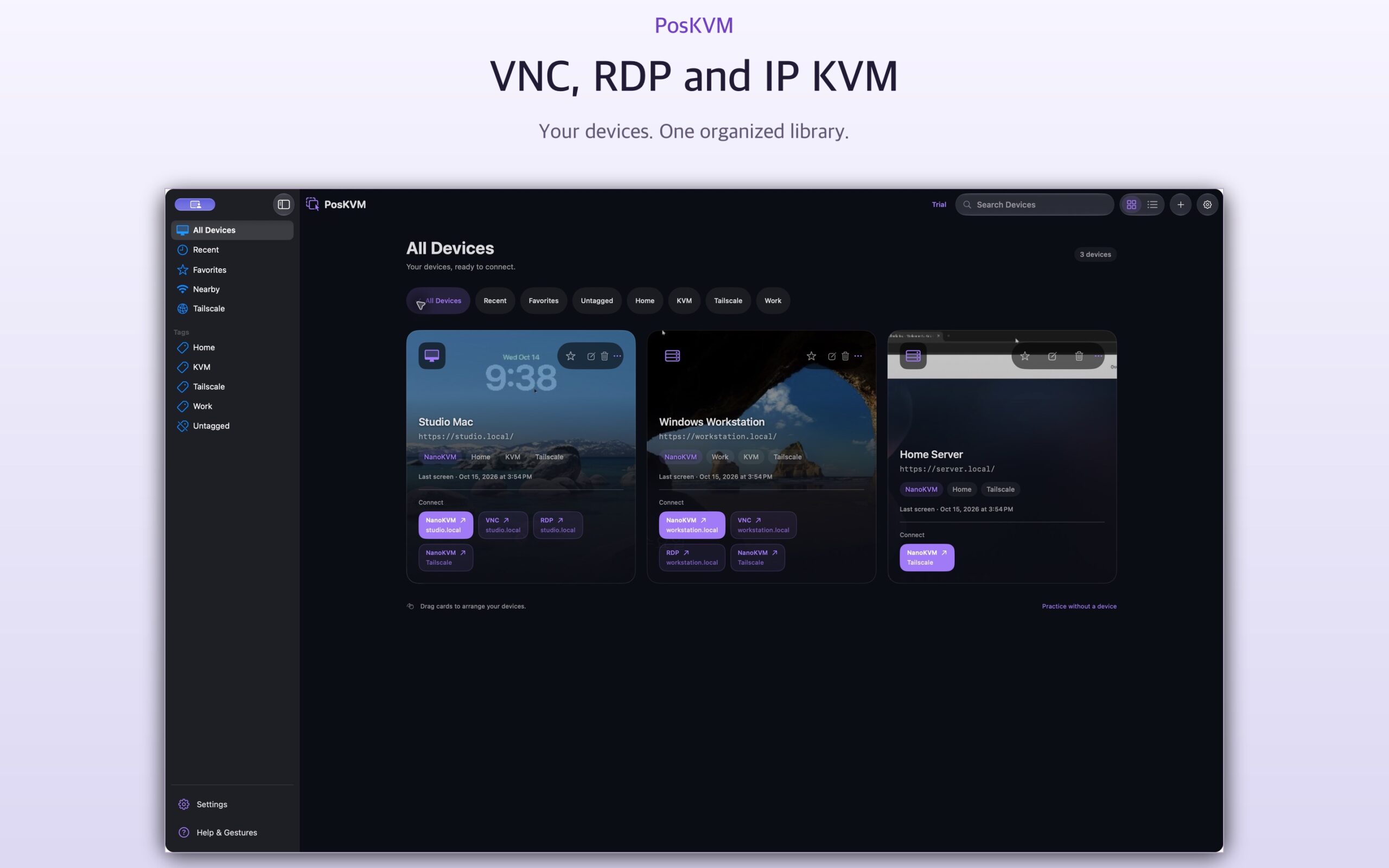
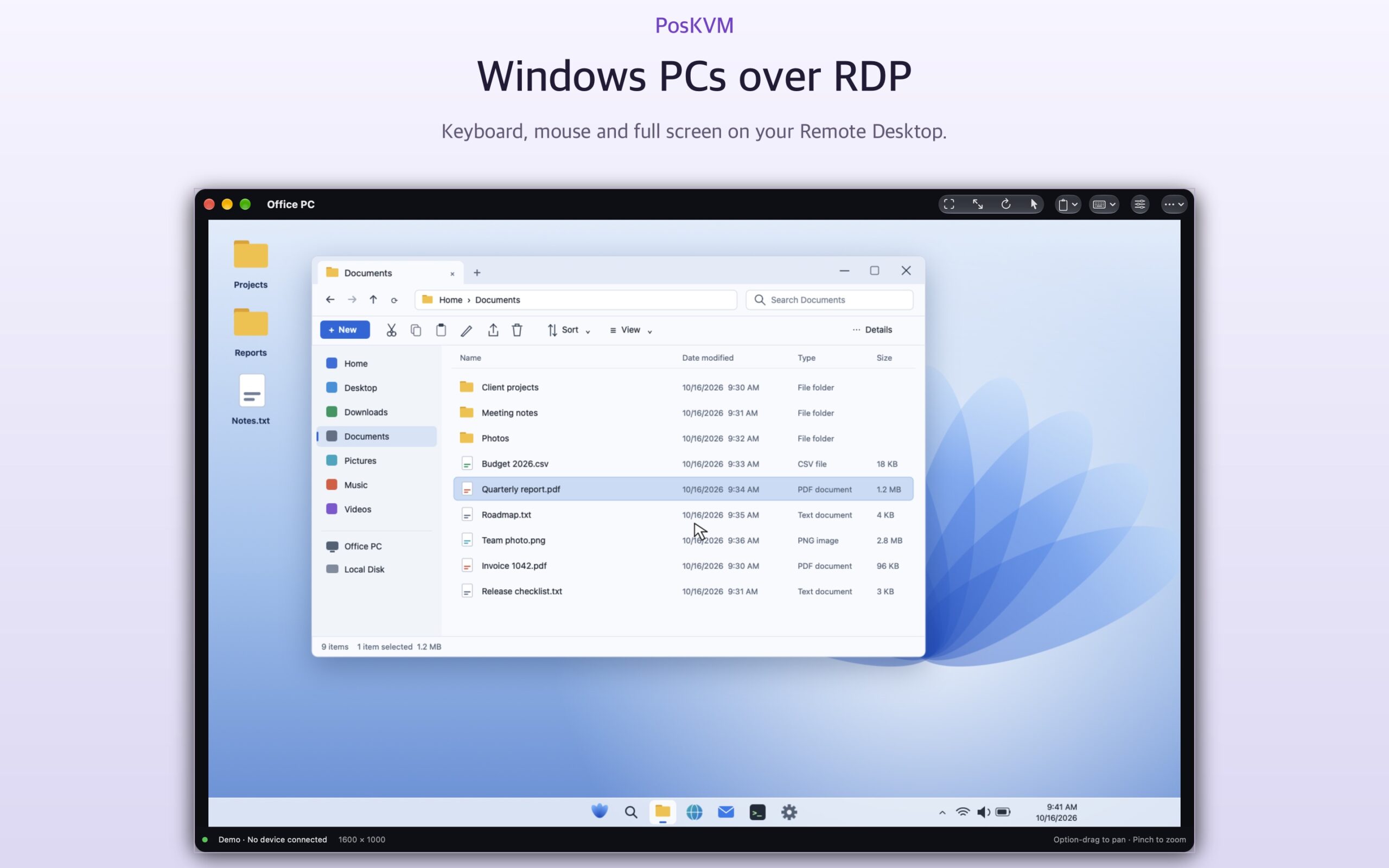
- VNC, Windows Remote Desktop (RDP), SSH and supported NanoKVM devices
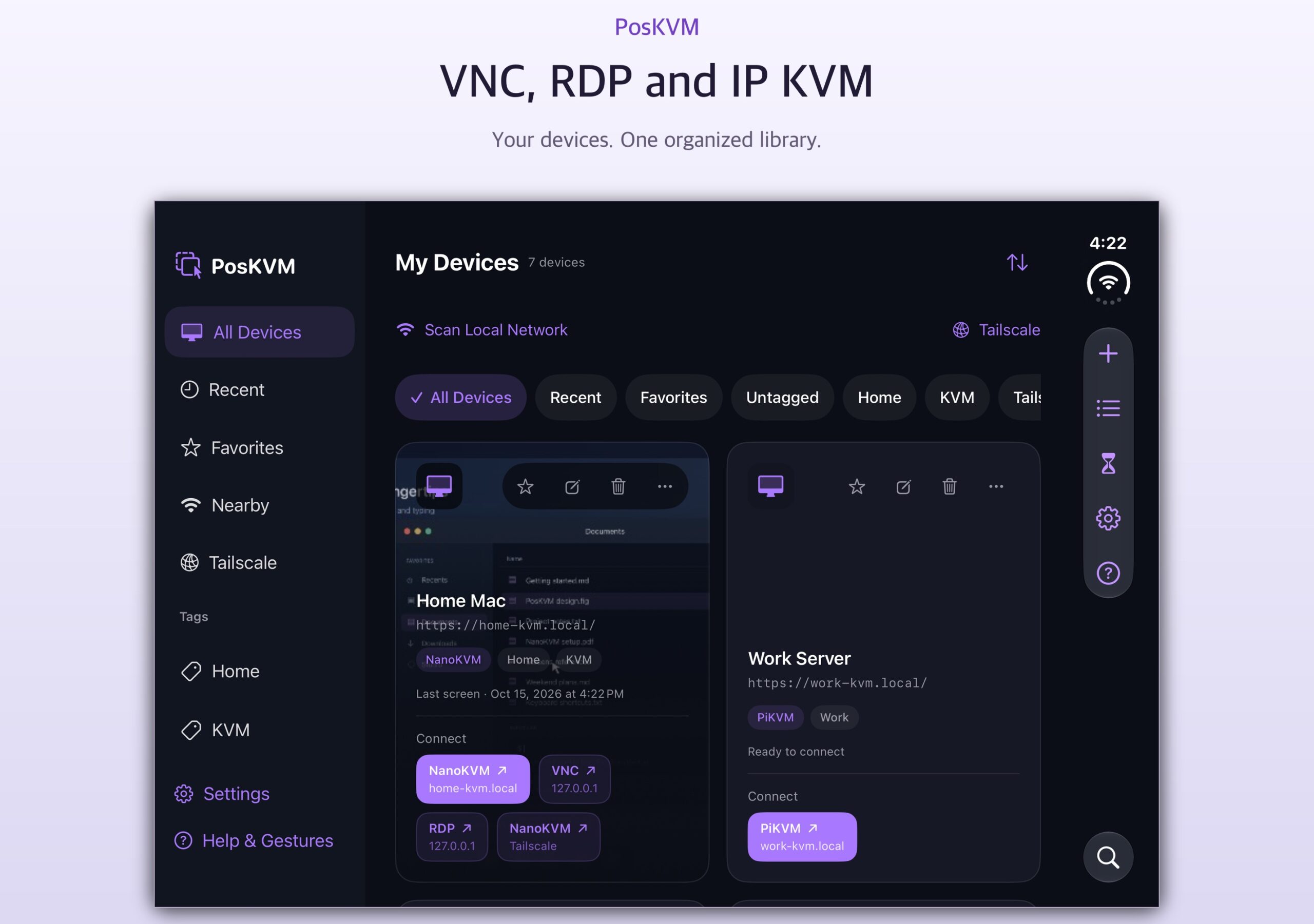
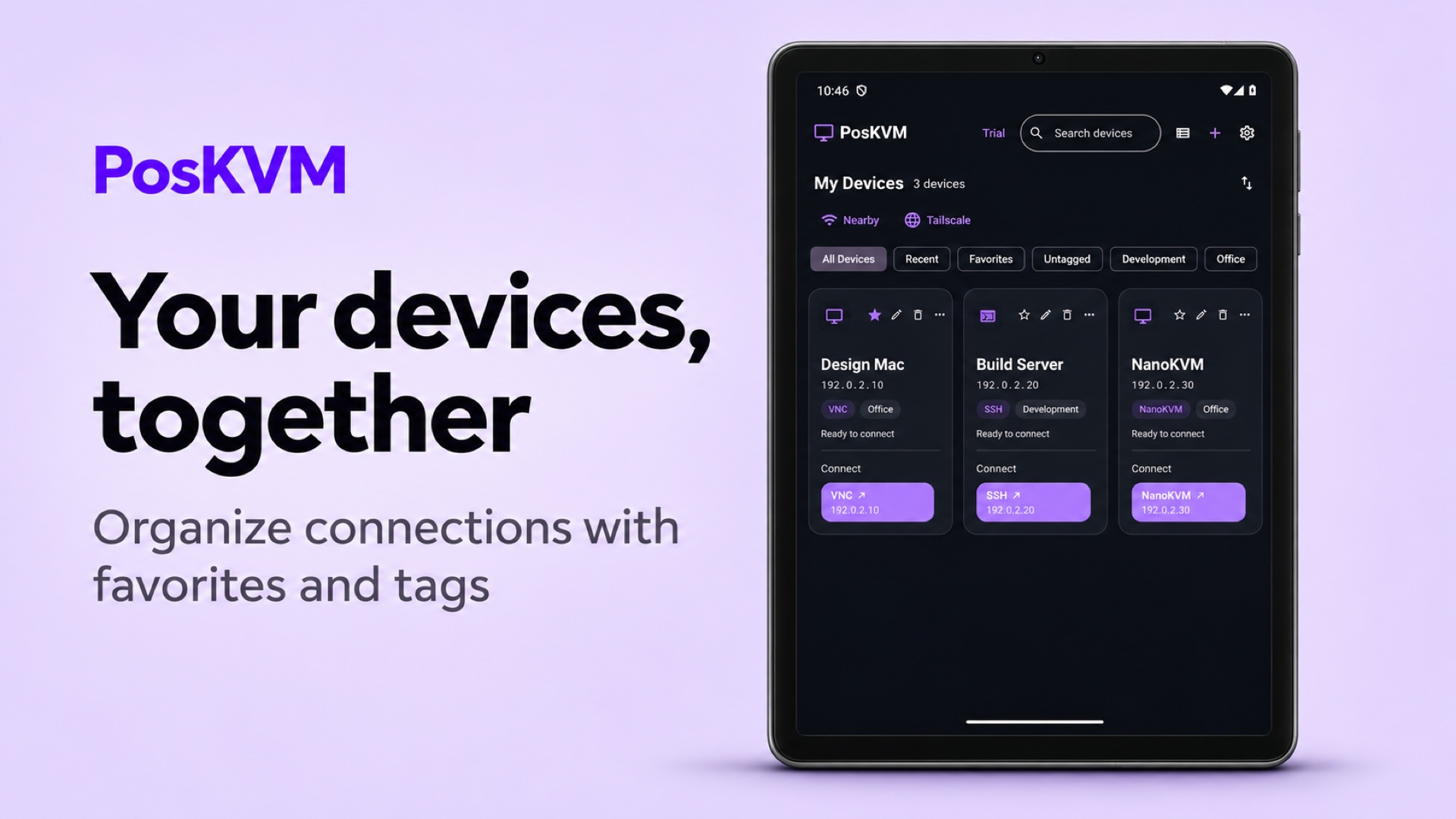
- Several connection methods on one device card
- Find nearby devices with Bonjour and a local network scan
- Tailscale addresses and a read-only Tailnet device list (separate Tailscale connection required)
- PiKVM and JetKVM support is experimental
Control comfortably
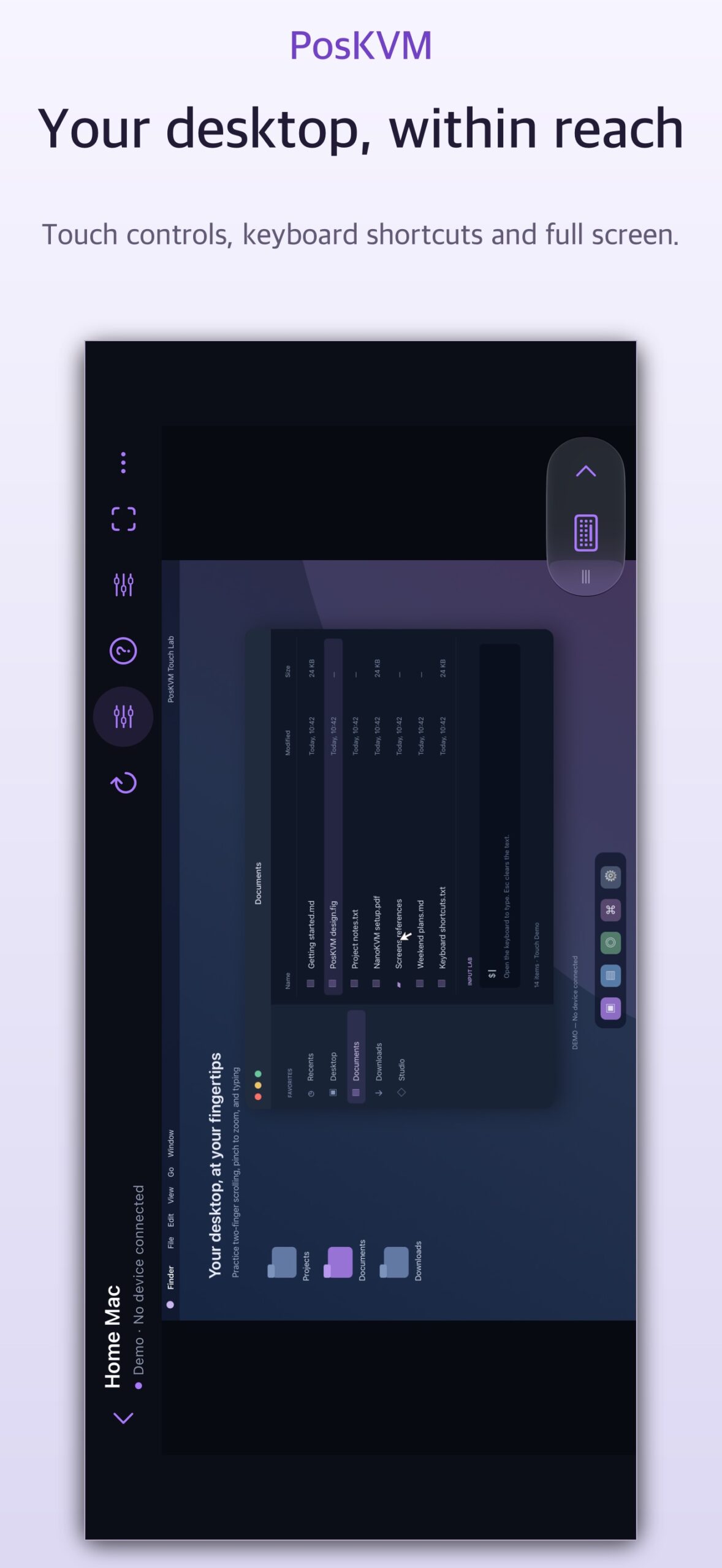
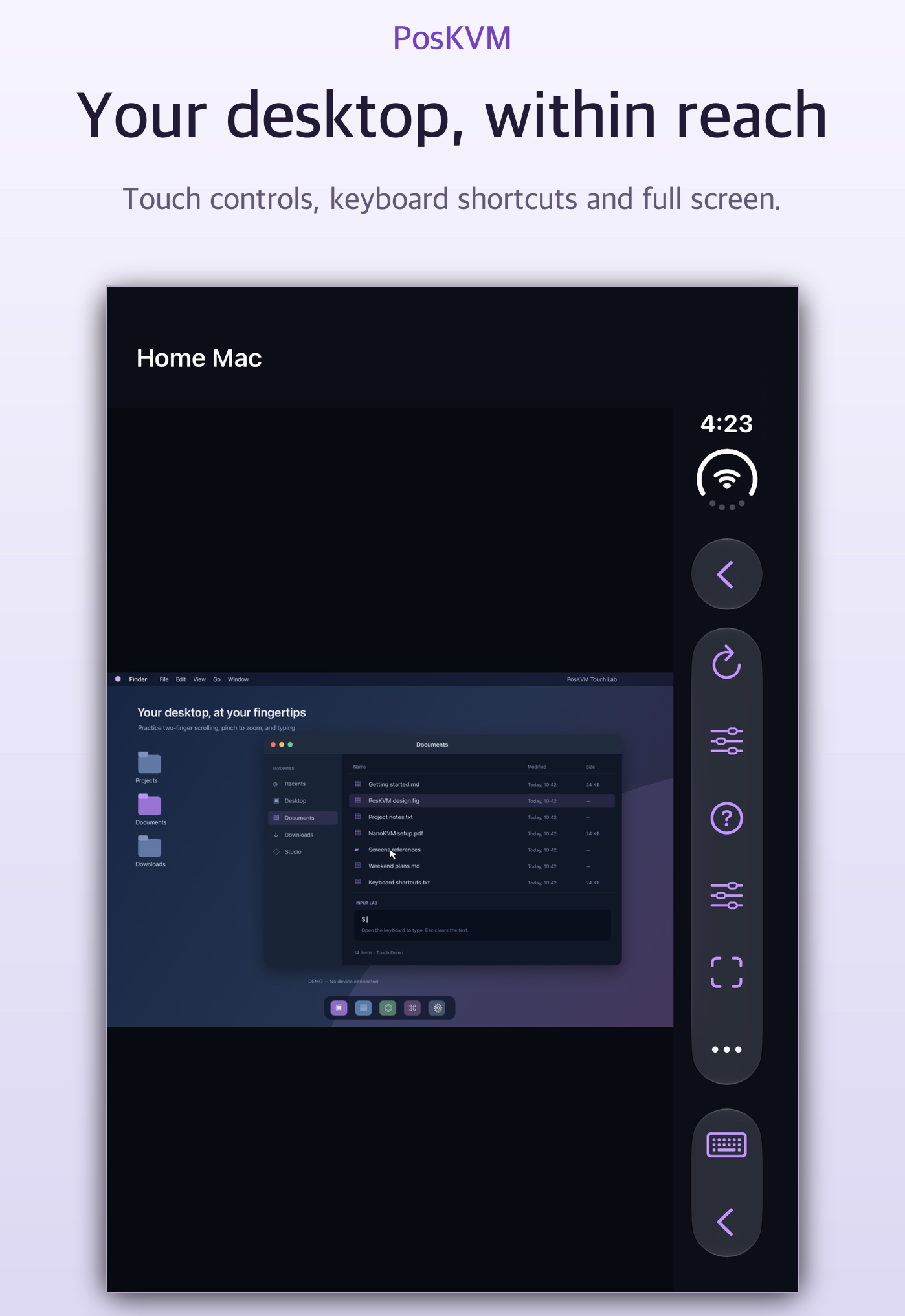
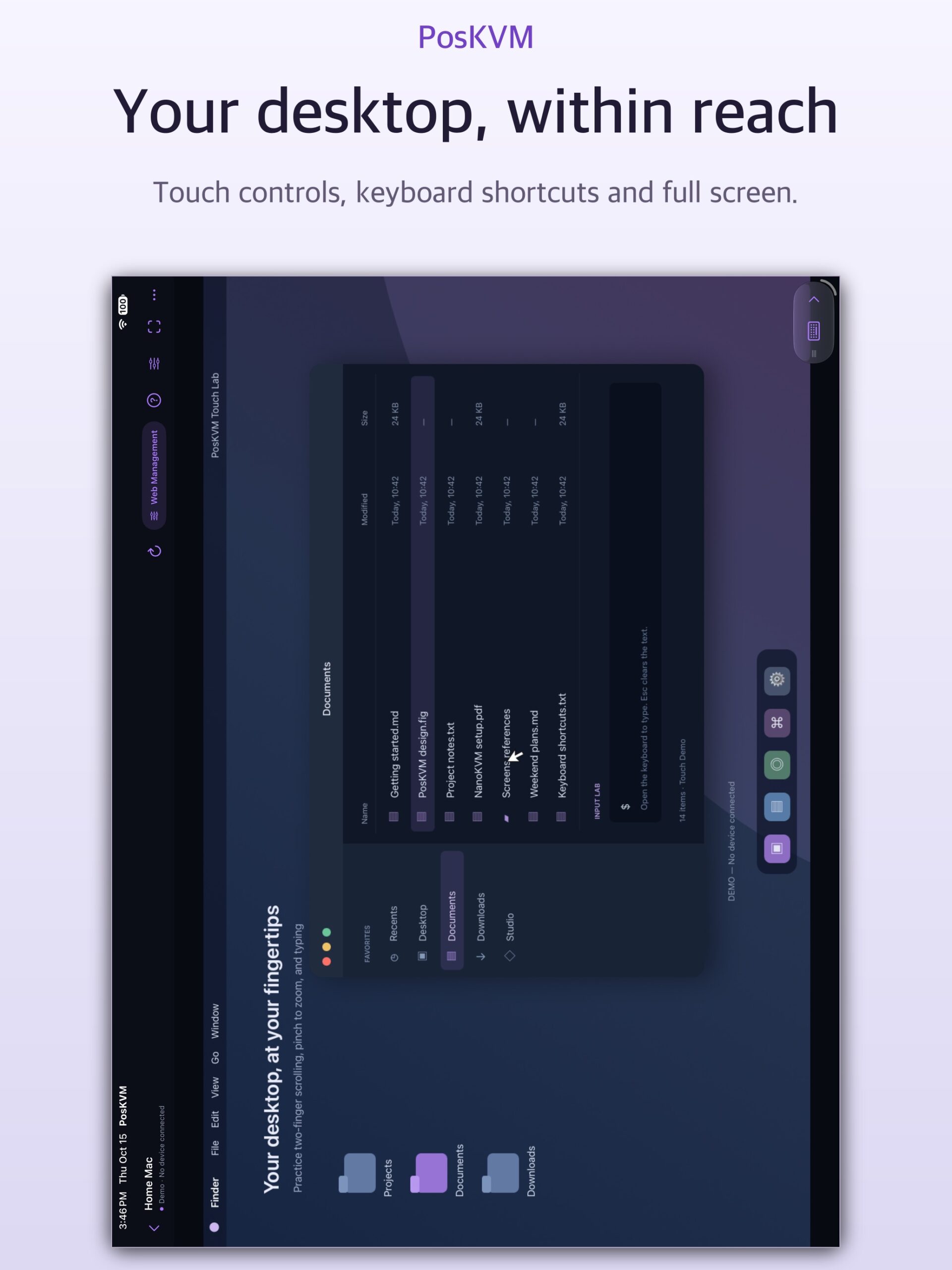
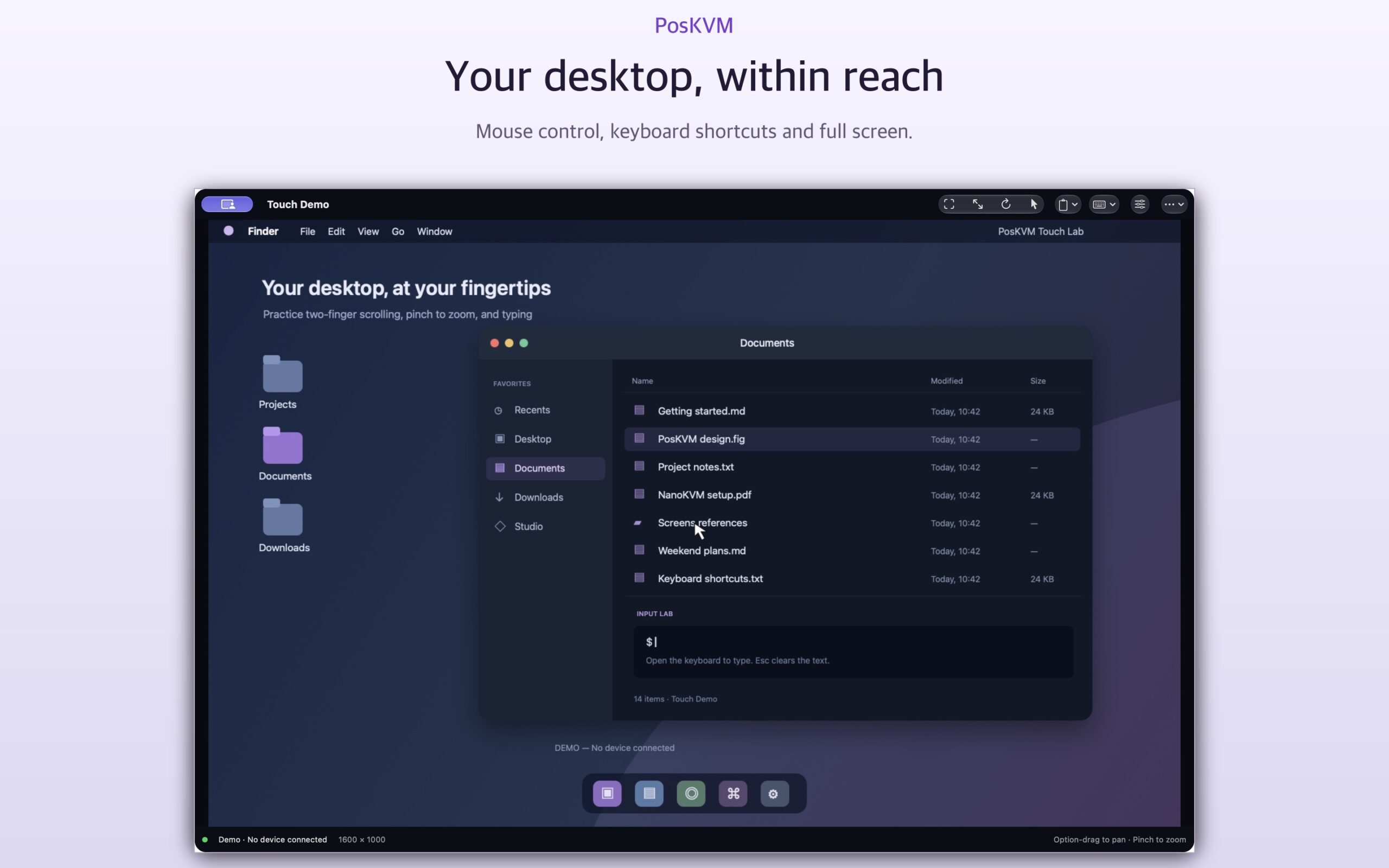
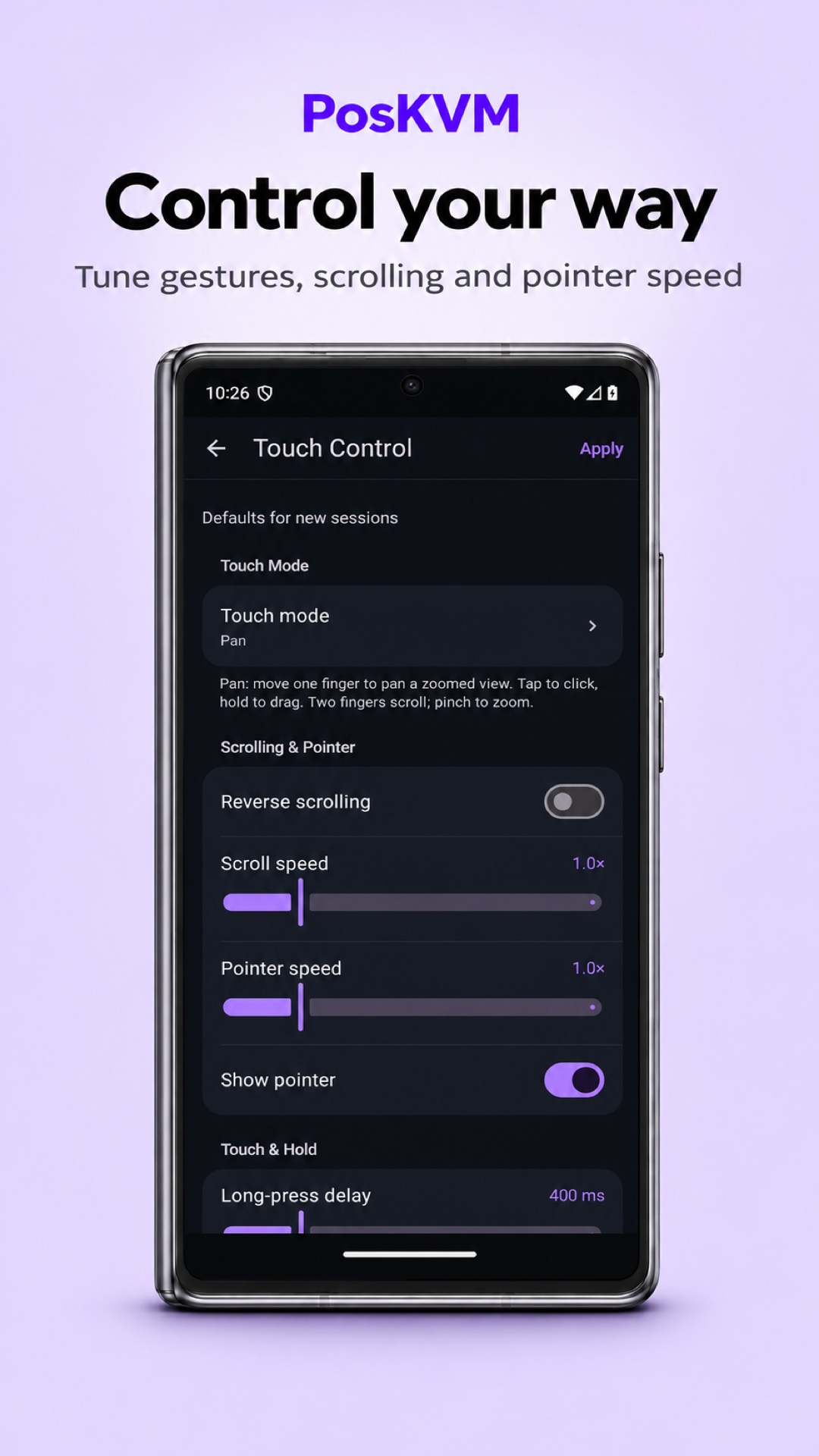
- Touch controls, virtual trackpad, pinch to zoom and inertial scrolling
- Hardware keyboard and mouse, with remote shortcuts on Mac
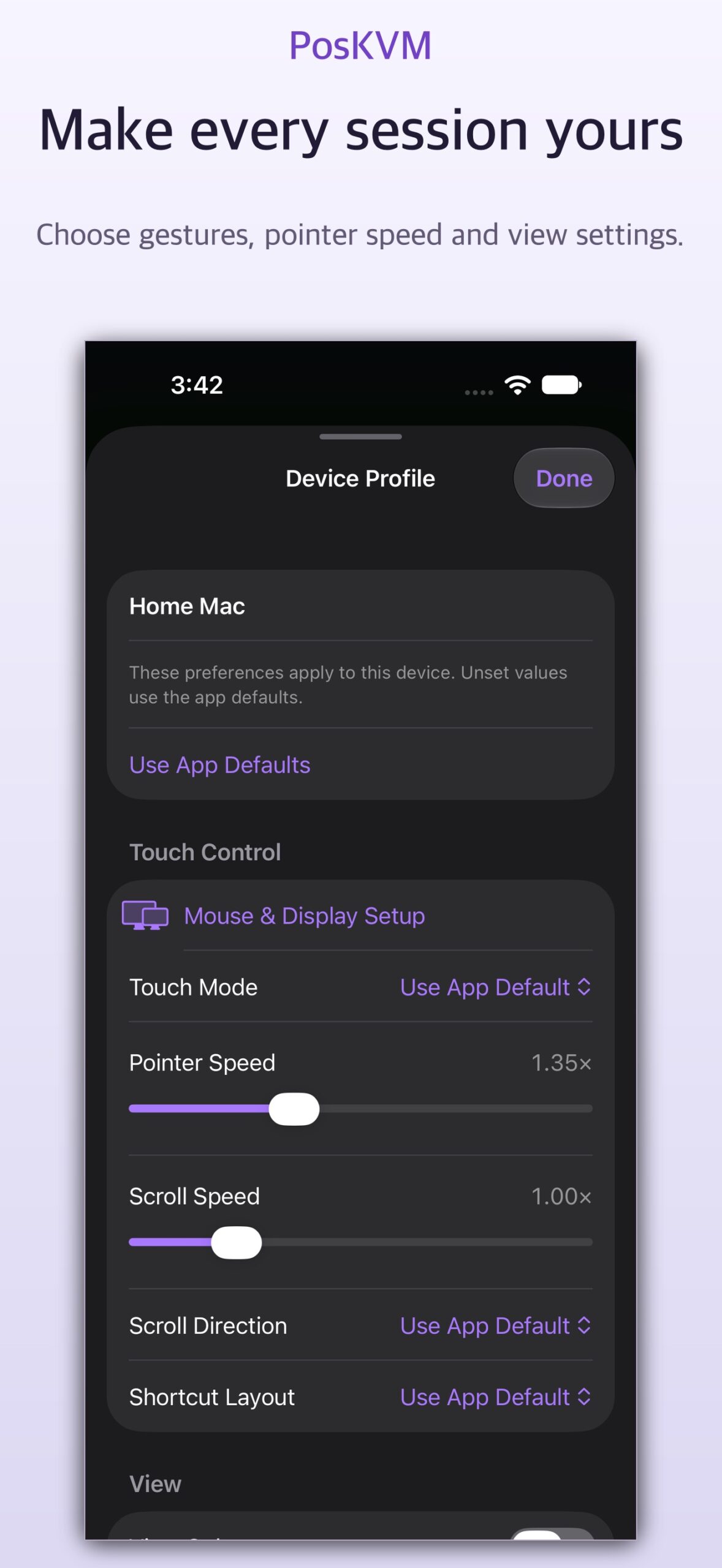
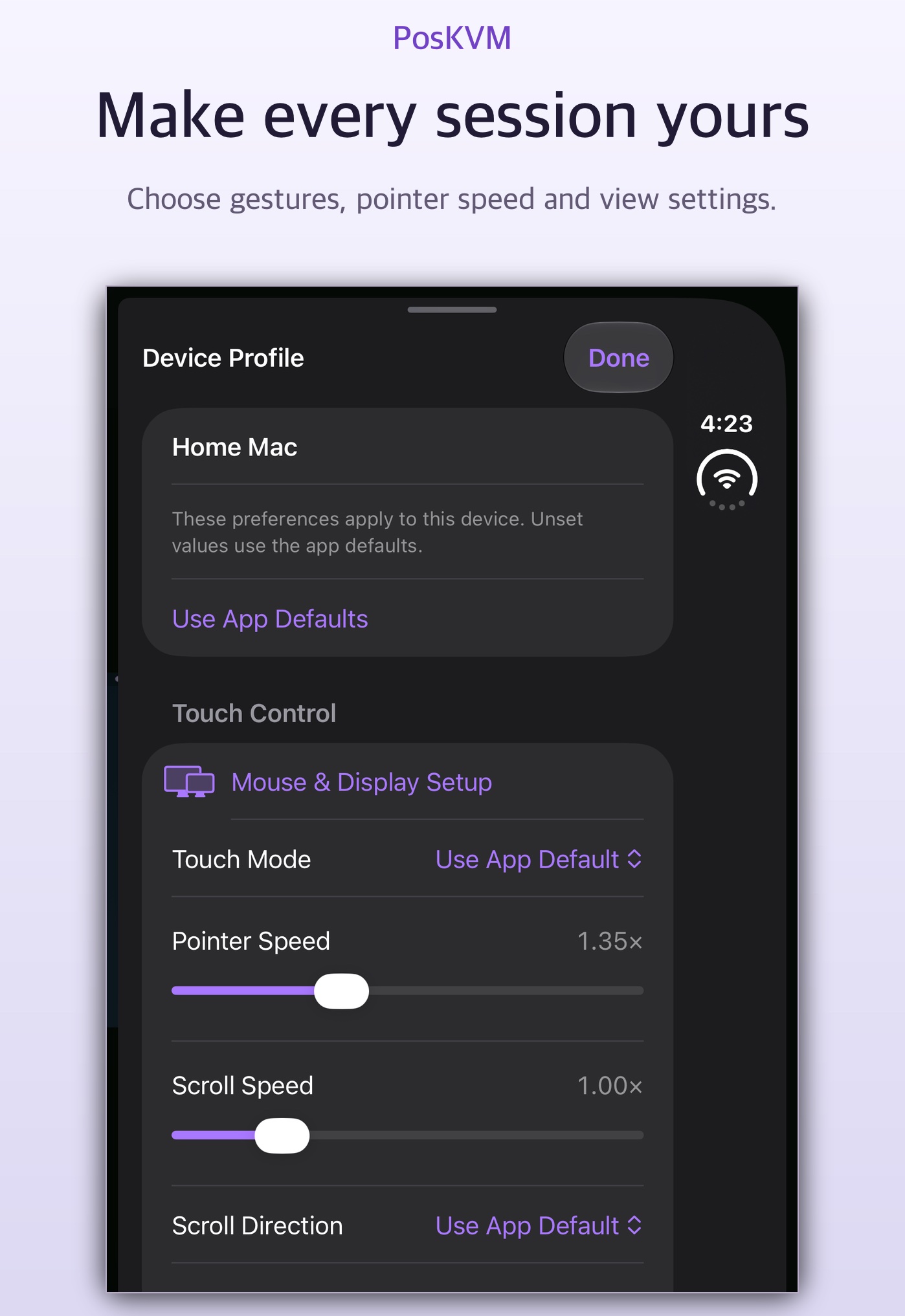
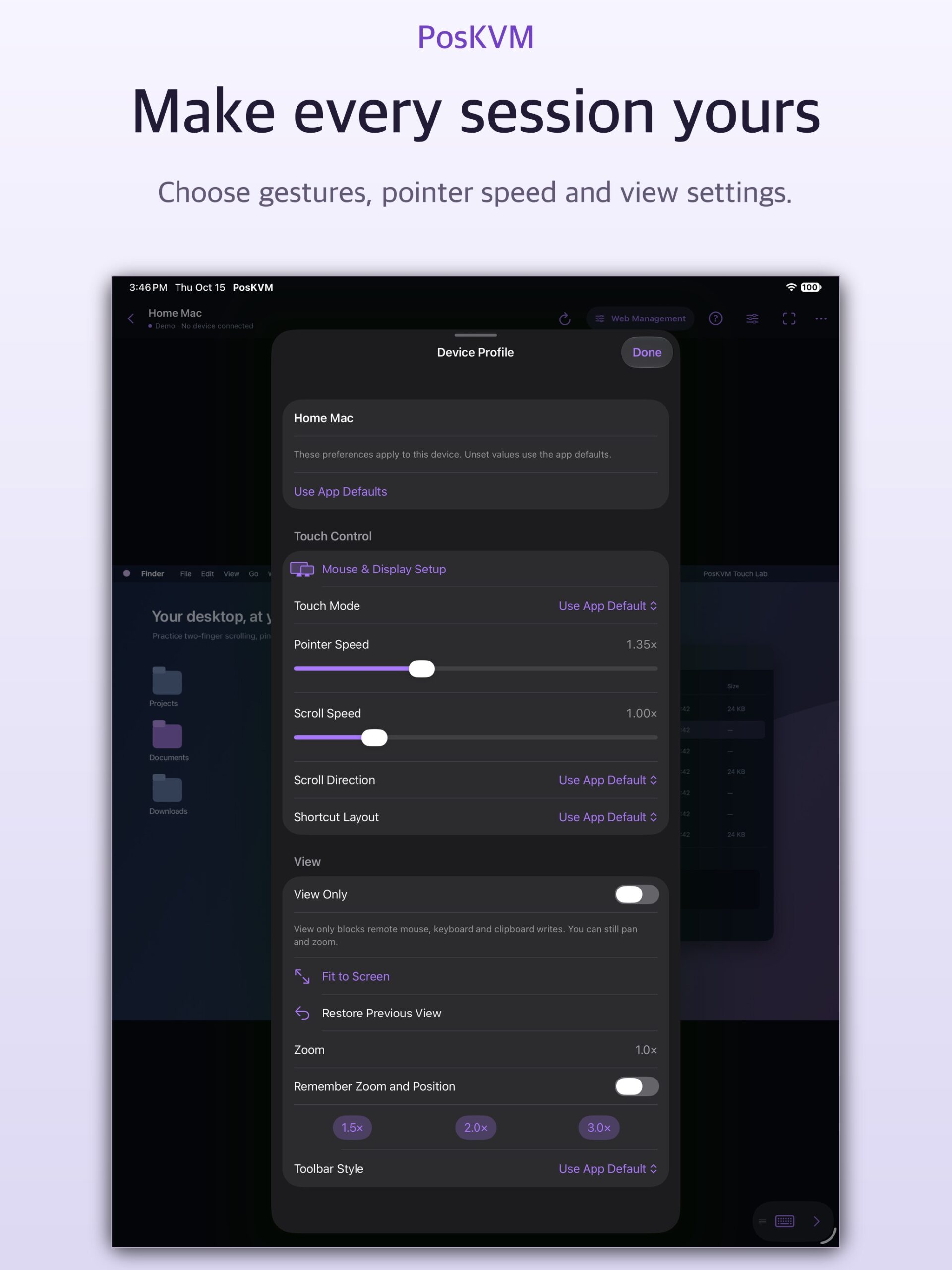
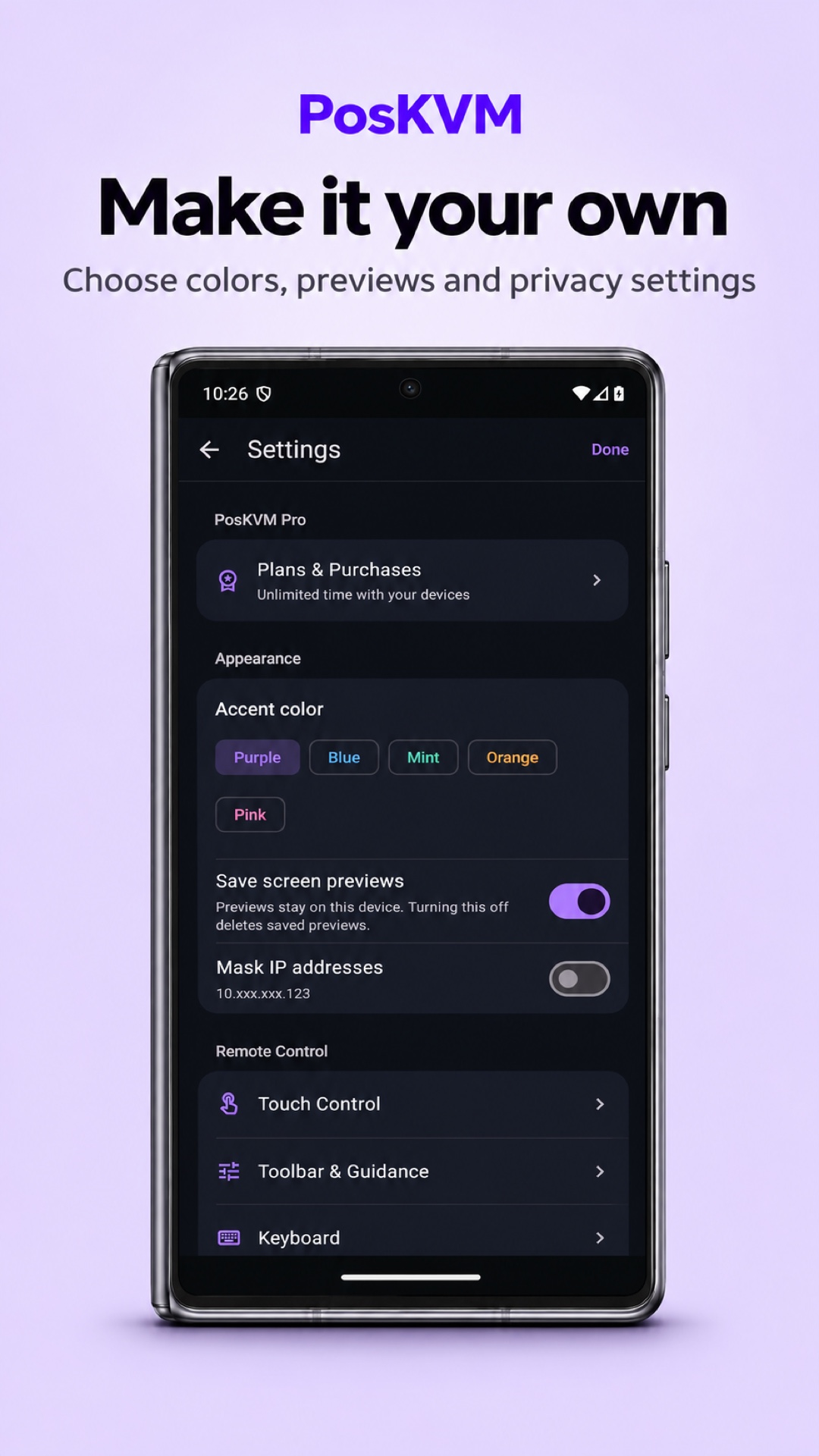
- Full screen, docked or floating tools and per-device preferences
- Display selection, image quality and automatic reconnection
Laptop layout on foldables
- Remote screen on top, PC keyboard and trackpad below
- Works on iPhone Duo and supported Android foldables; select it manually on other devices
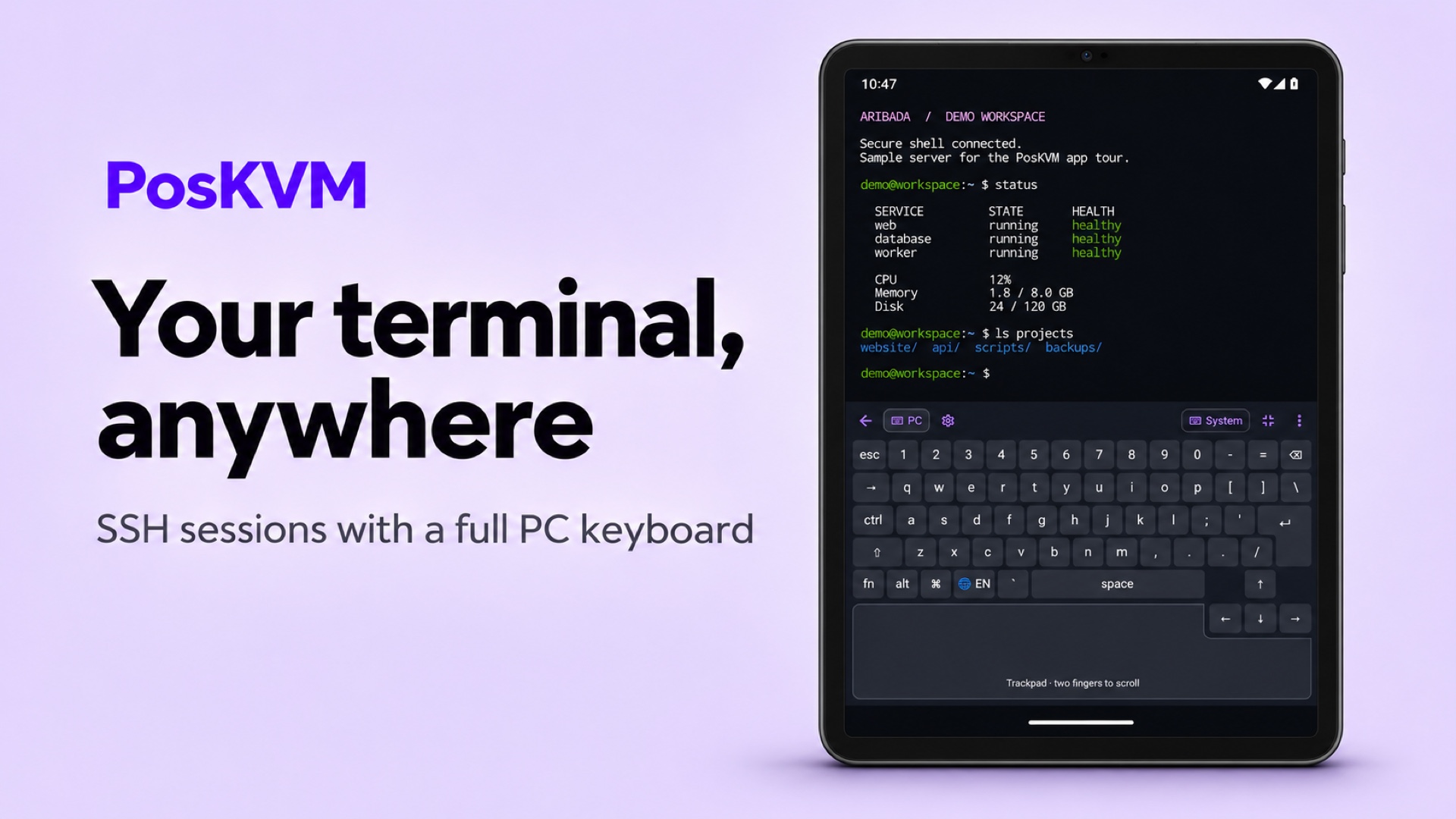
- PC keyboard layouts for English, Korean, Japanese, Chinese, German, French and Spanish
- Use it over VNC, RDP and SSH
SSH terminal
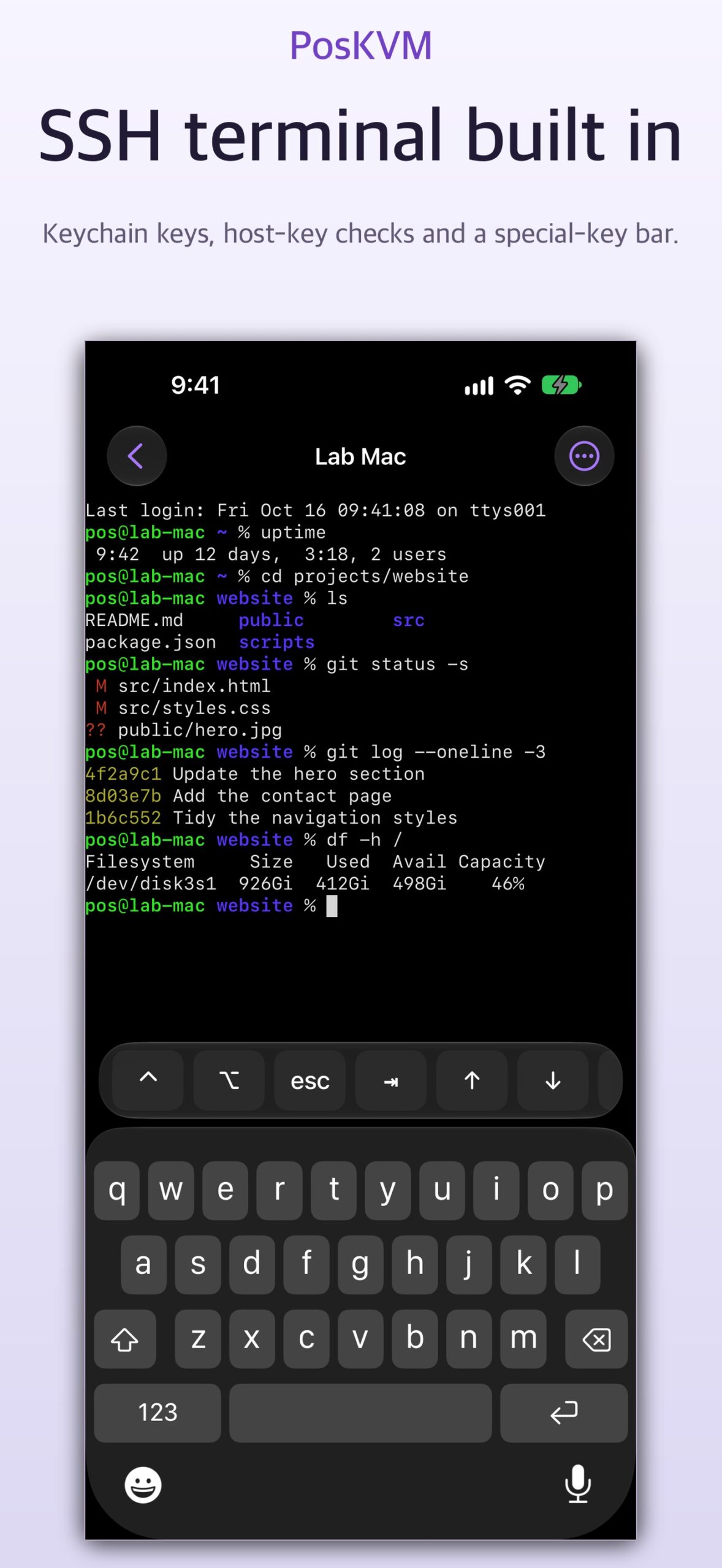
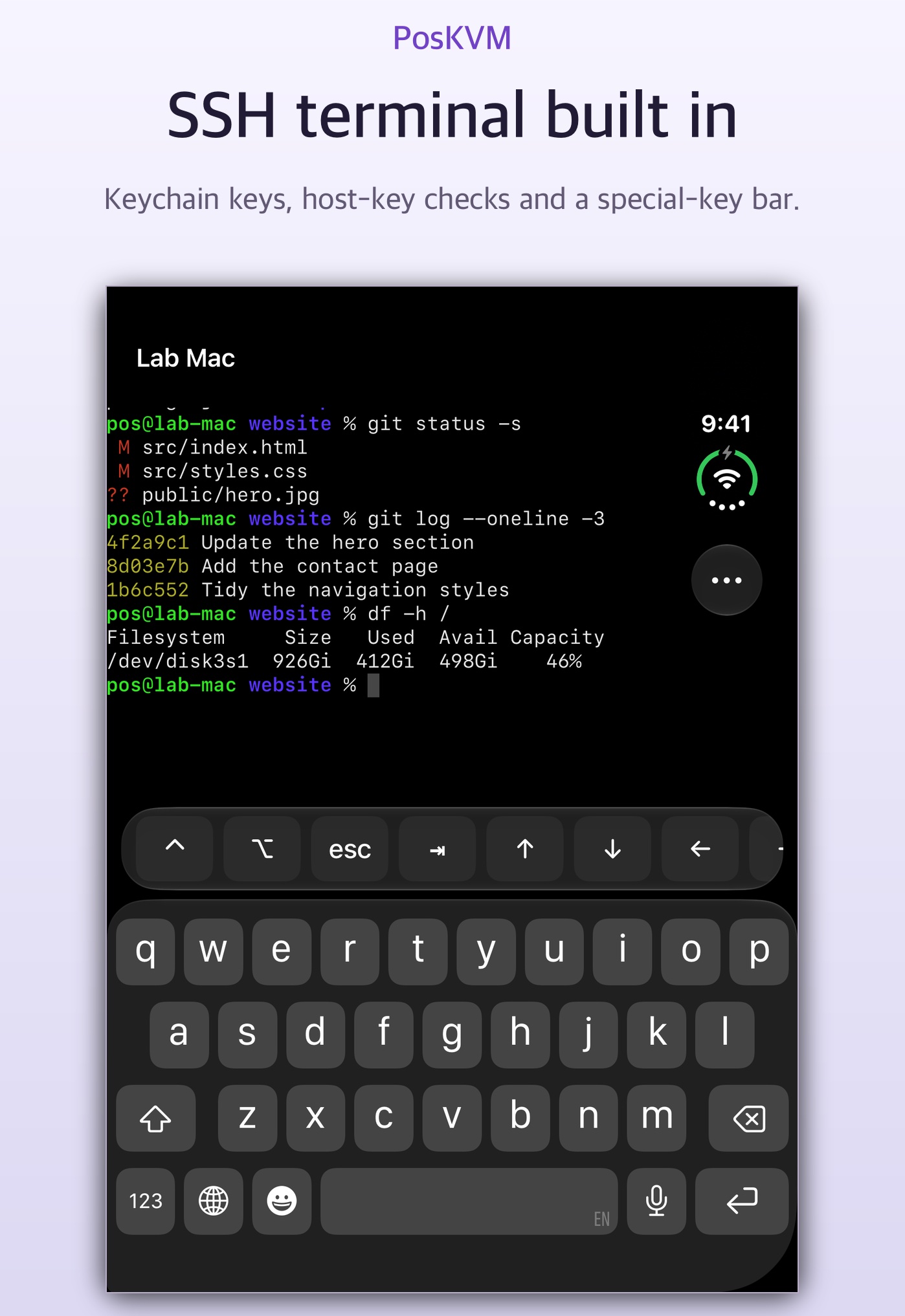
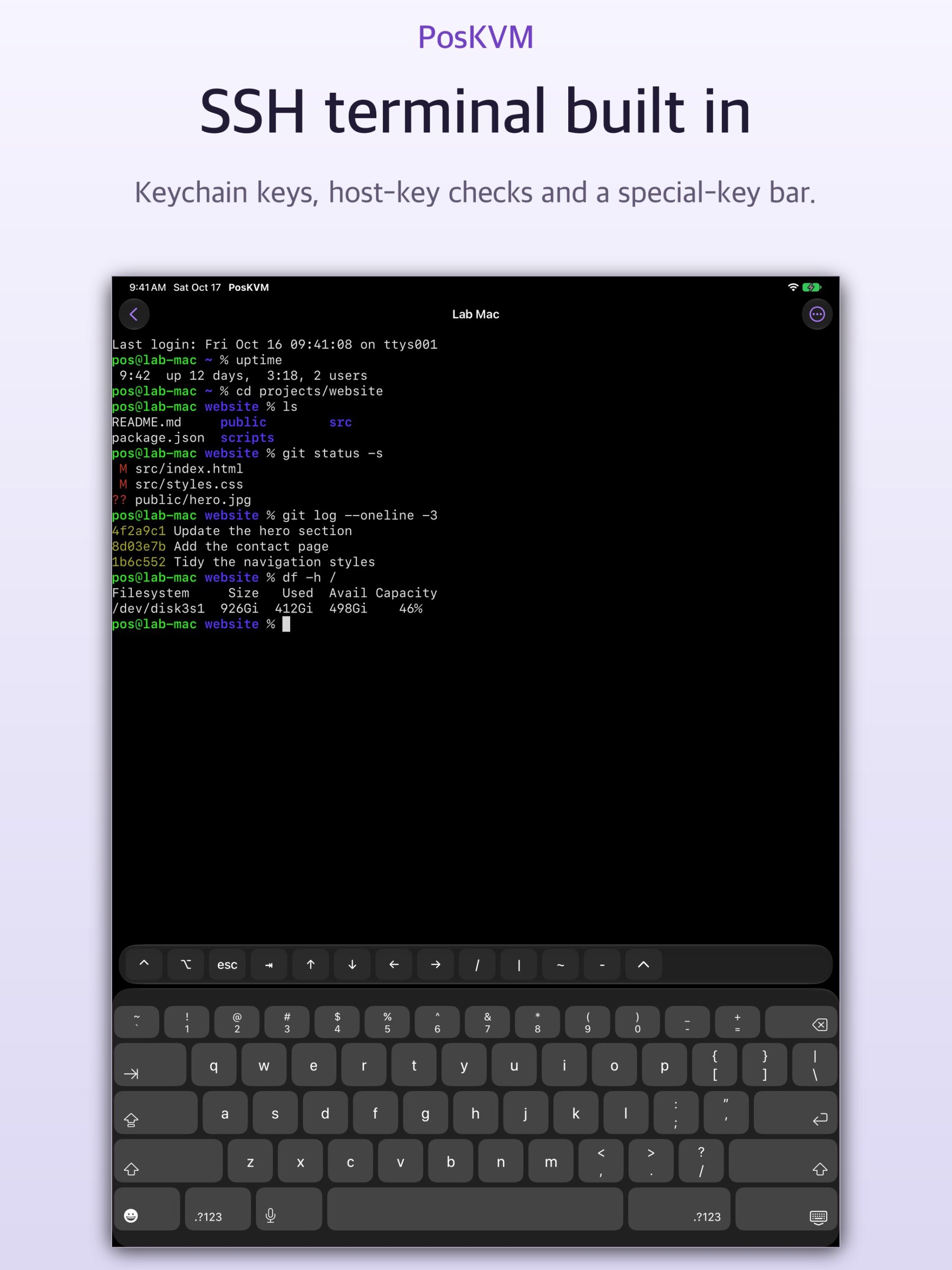
- Password or Ed25519, ECDSA and RSA keys, generated in the app or imported
- Host key check on first connection; a changed key stops the connection
- Split terminals, themes, special keys, command snippets and terminal search
- Jump hosts, local, remote and SOCKS port forwarding, and Mosh with a compatible server
File transfer
- Browse SSH hosts over SFTP: upload, download, rename, delete and create folders
- Interrupted transfers resume after you reconnect
- Transfer files during a VNC or IP KVM session, or share a folder as a drive over RDP
- Upload ISO and IMG images to virtual media on supported IP KVM devices
Stay organized
- Grid and list views, tags, favorites and recent devices
- Optional previews of the last remote screen
- Optional iCloud sync on Apple devices; encrypted sync and import/export on Android
Privacy and security
- Private keys stay in secure device storage
- App lock and IP-address masking for the device library
- Connects straight to your devices, with no hosted relay or VPN
Free to start
- 14 days without connection time limits
- After that, 15 free minutes on every new connection
- PosKVM Pro: monthly, yearly or a one-time Lifetime purchase
- The free period never starts a subscription or charges you
Screenshots
Take a look inside
Click a screenshot to enlarge it, then use the arrows to browse.
iPhone5 screenshots
iPhone Duo9 screenshots
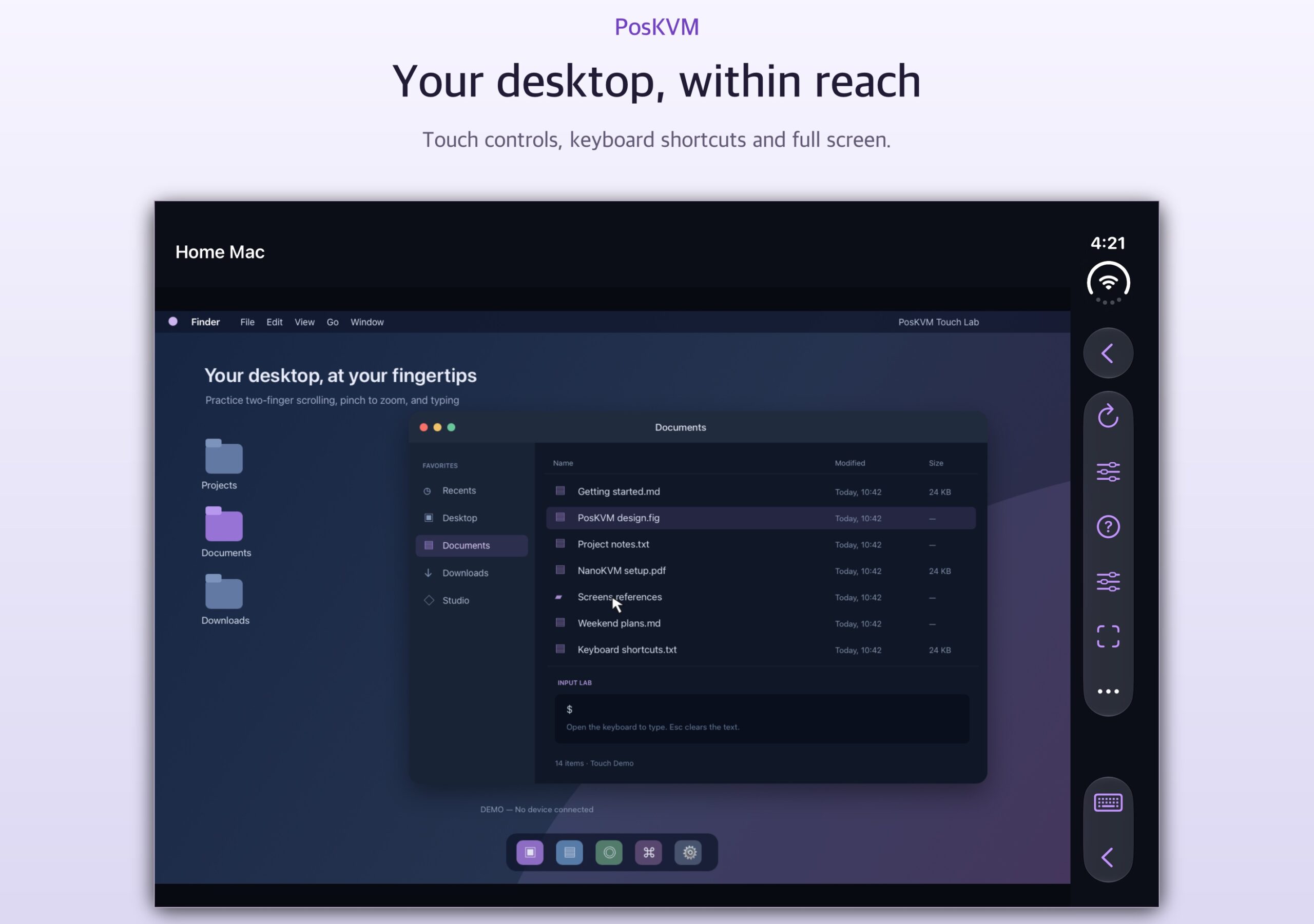
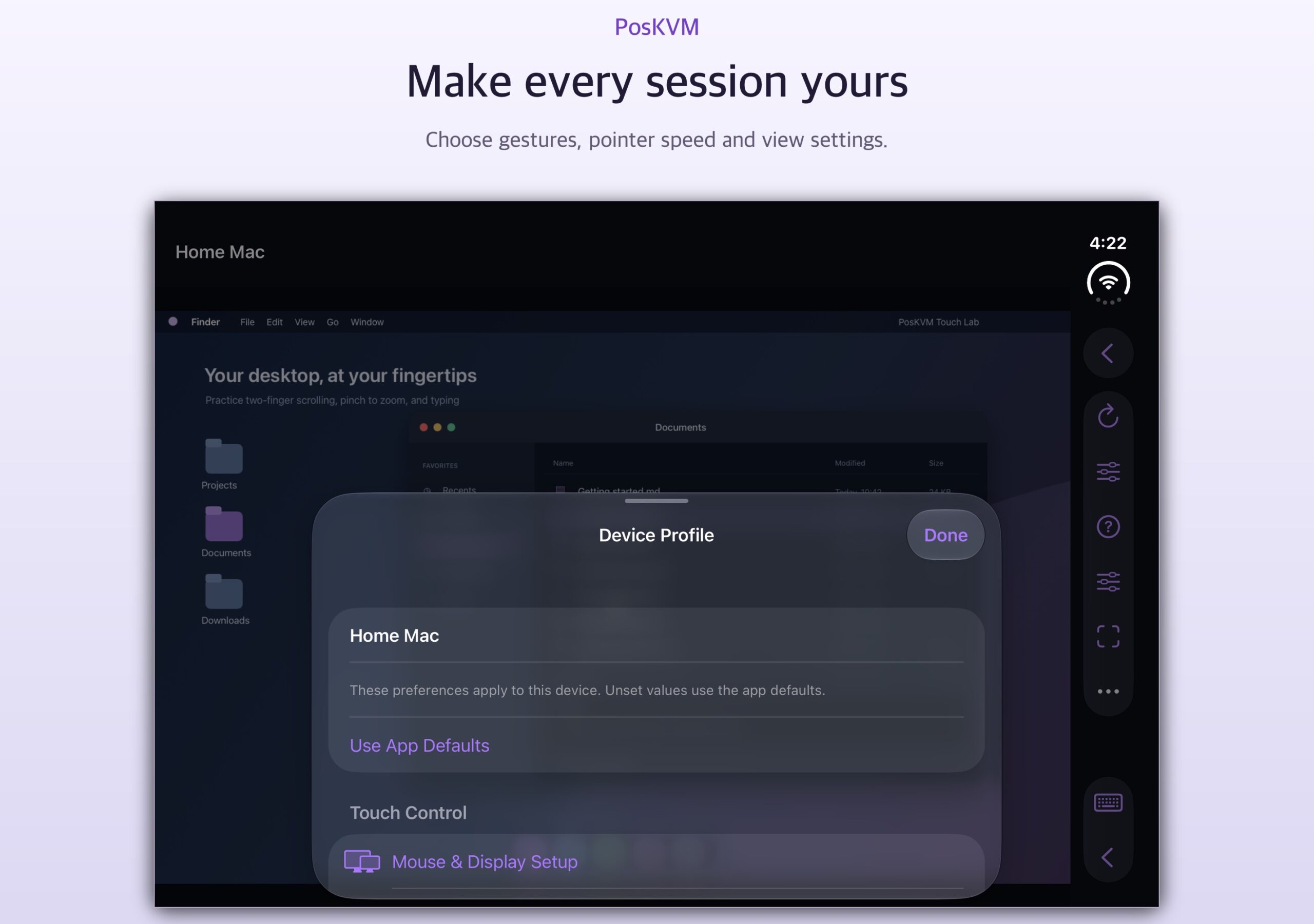
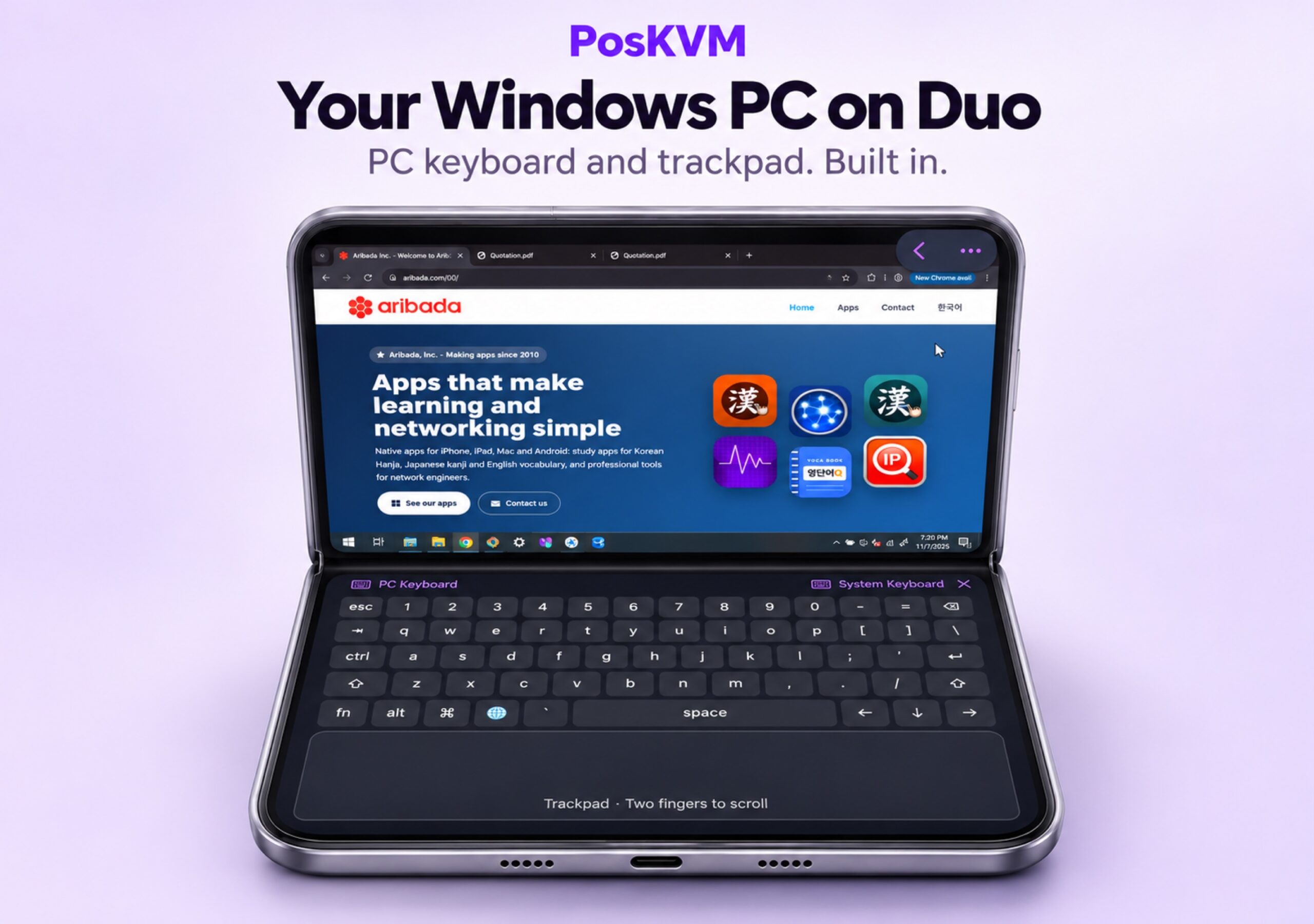
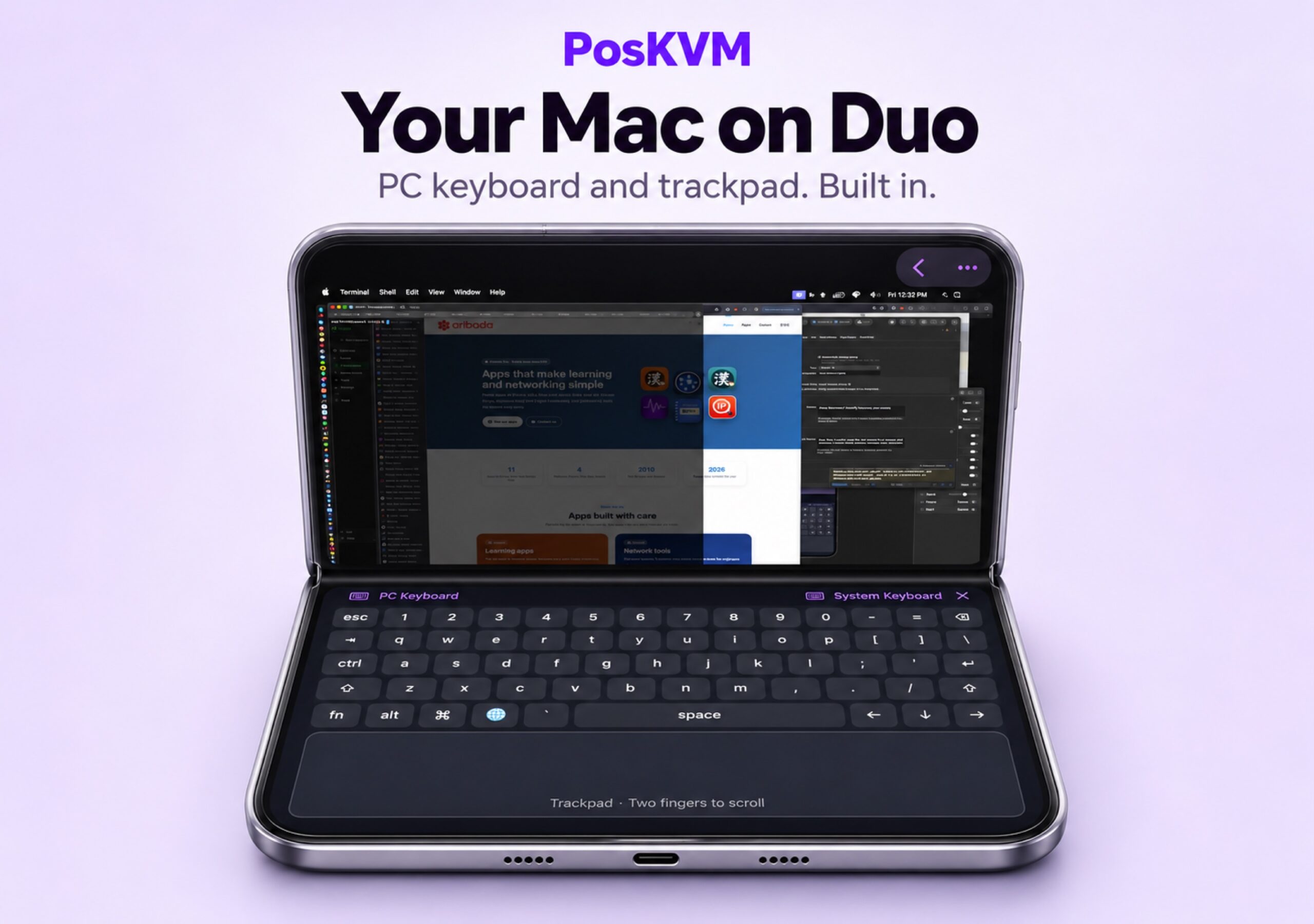
iPad5 screenshots
Mac5 screenshots
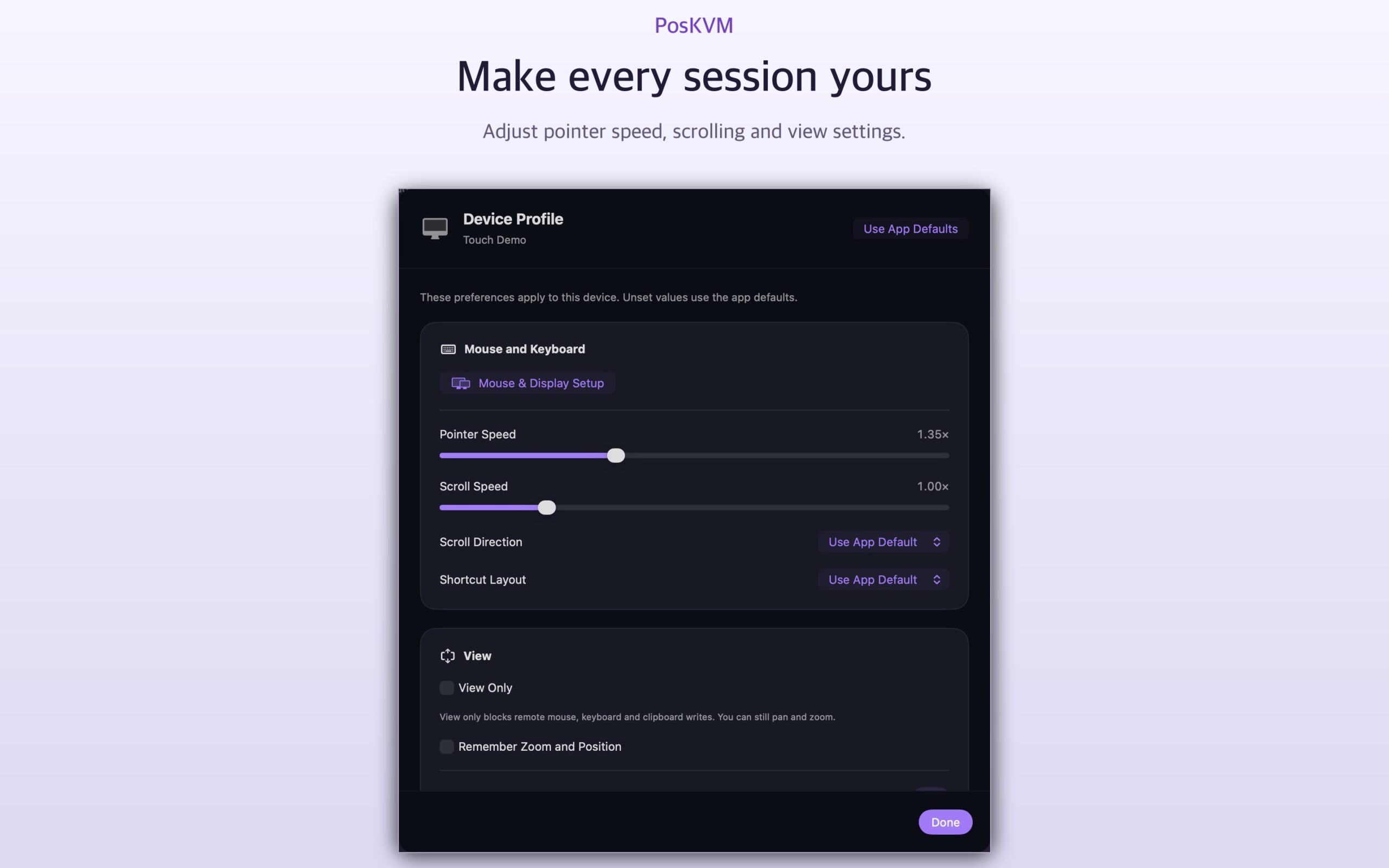
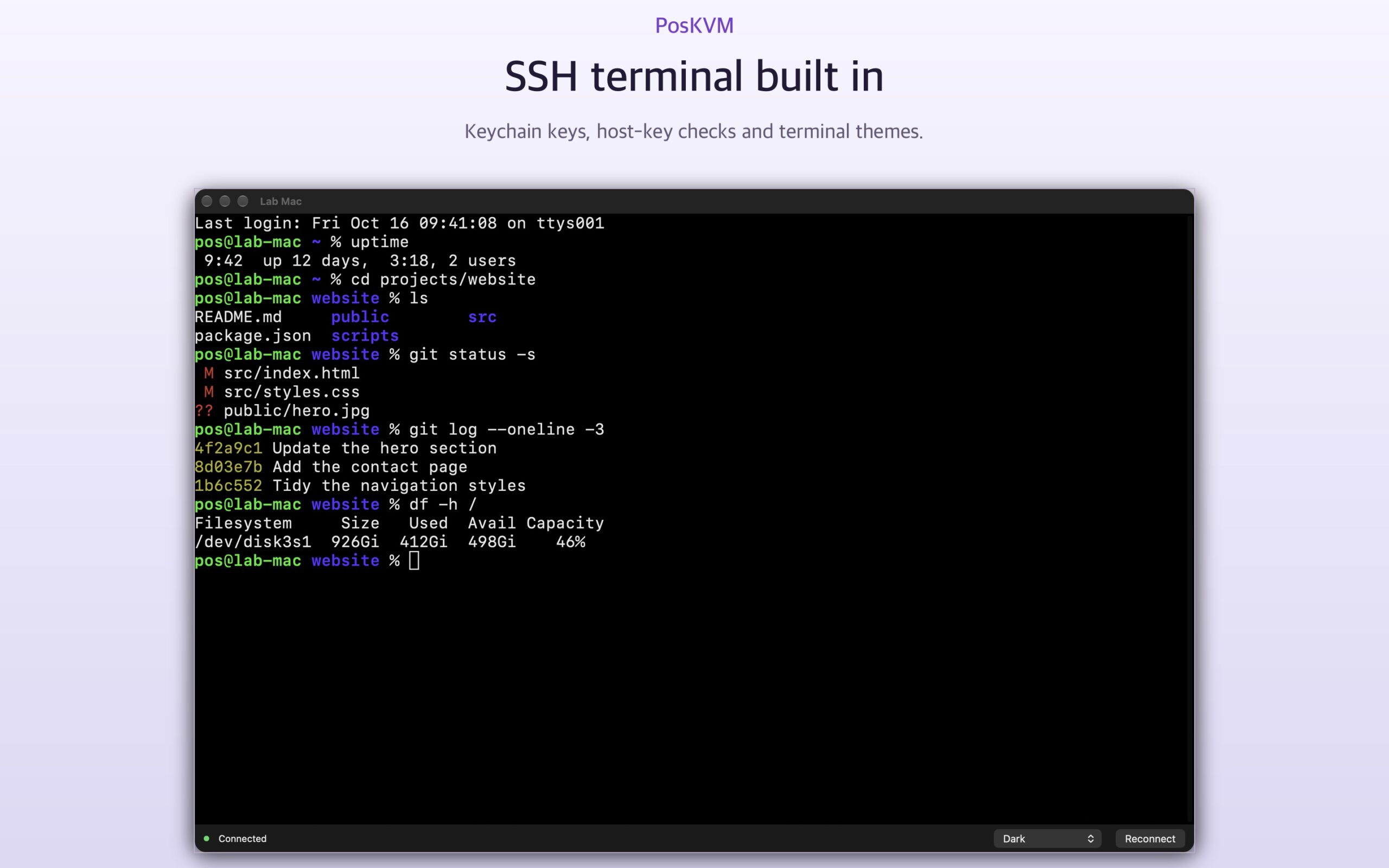
Android foldable2 screenshots
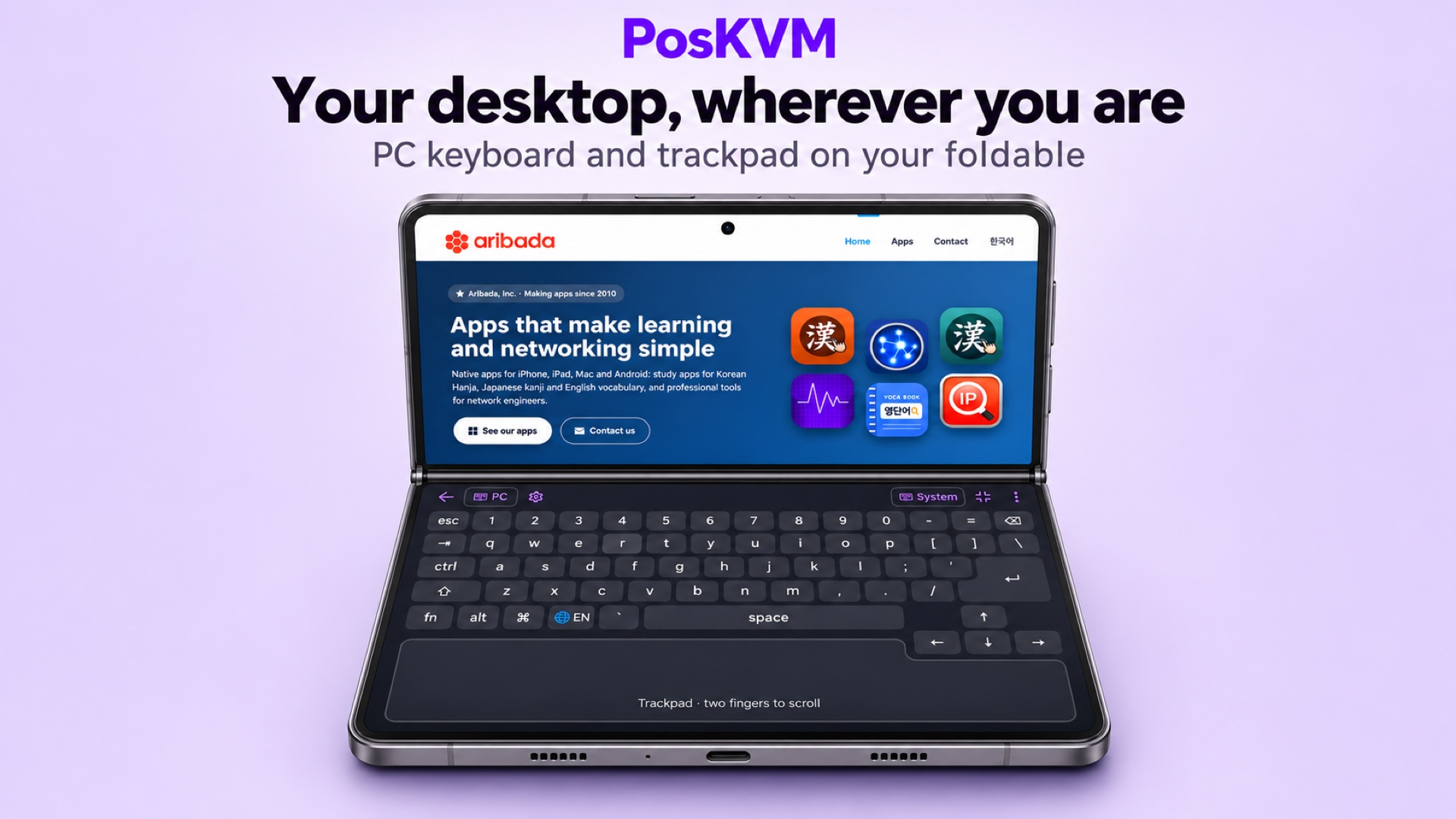
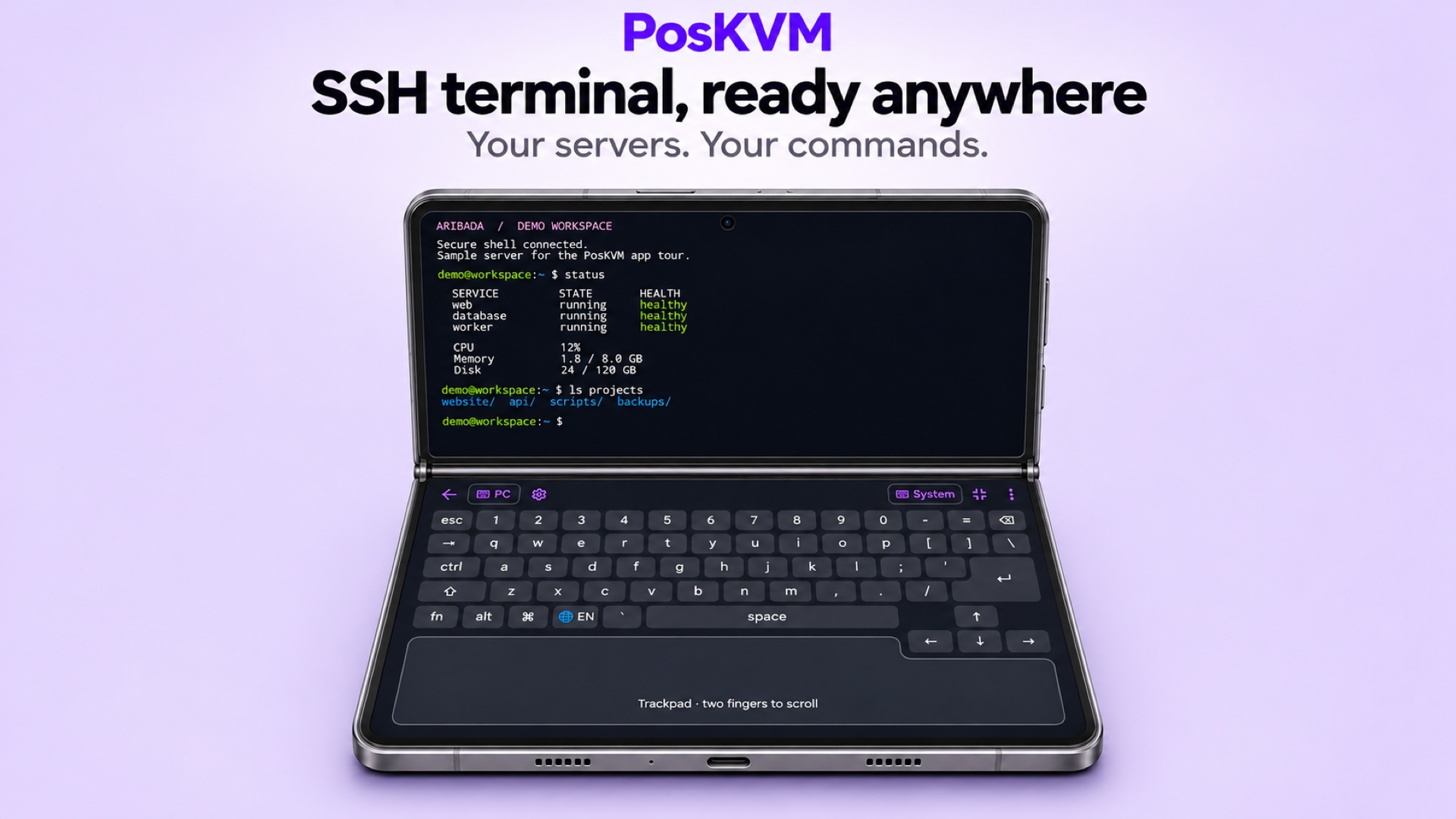
Android phone3 screenshots
Android tablet3 screenshots
Made for
- People who reach home or office computers from a phone, tablet or Mac
- Foldable phone owners who want a laptop-style remote desktop
- Homelab users with NanoKVM, Raspberry Pi and Linux servers
- Admins who want VNC, RDP, SSH and SFTP in one app
App info
PriceFree · Pro available
PlatformsiPhone · iPad · Mac · Android
RequiresiOS / iPadOS 17.0 or later, macOS 14.0 or later, Android 9 or later
CategoryUtilities
Age rating4+
DeveloperAribada, Inc.
First released2026